

 Custom Product Builder
  Custom Boxes
  Custom Stickers
  Custom Labels
  Custom Postcards
  Promotional Items
 Standard Business Cards
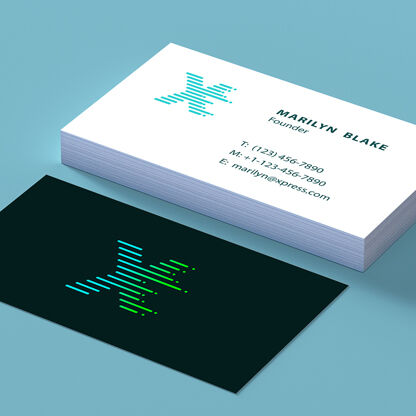
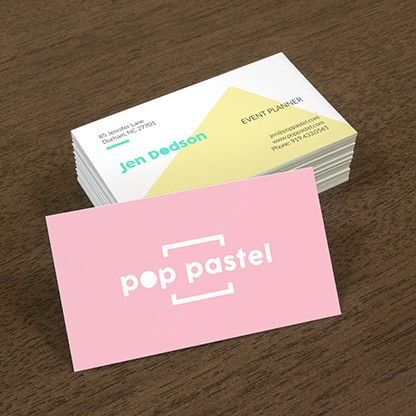
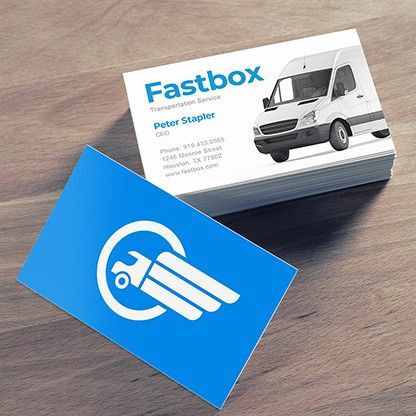
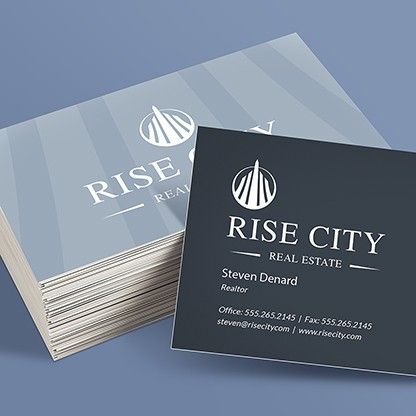


- Same-day printing available. Order by 10am and we'll have your cards ready to ship
- Choose 14 pt., 16 pt., or 17 pt. cardstock for the weight and feel you want
- Five coating options, from High Gloss UV to a writable Uncoated finish
- Print one side or both sides in full color
- Rounded corners and shrink-wrapping available
- Free online design tool, or upload your own print-ready file
Features
- Same-day printing available. Order by 10am and we'll have your cards ready to ship
- Choose 14 pt., 16 pt., or 17 pt. cardstock for the weight and feel you want
- Five coating options, from High Gloss UV to a writable Uncoated finish
- Print one side or both sides in full color
- Rounded corners and shrink-wrapping available
- Free online design tool, or upload your own print-ready file
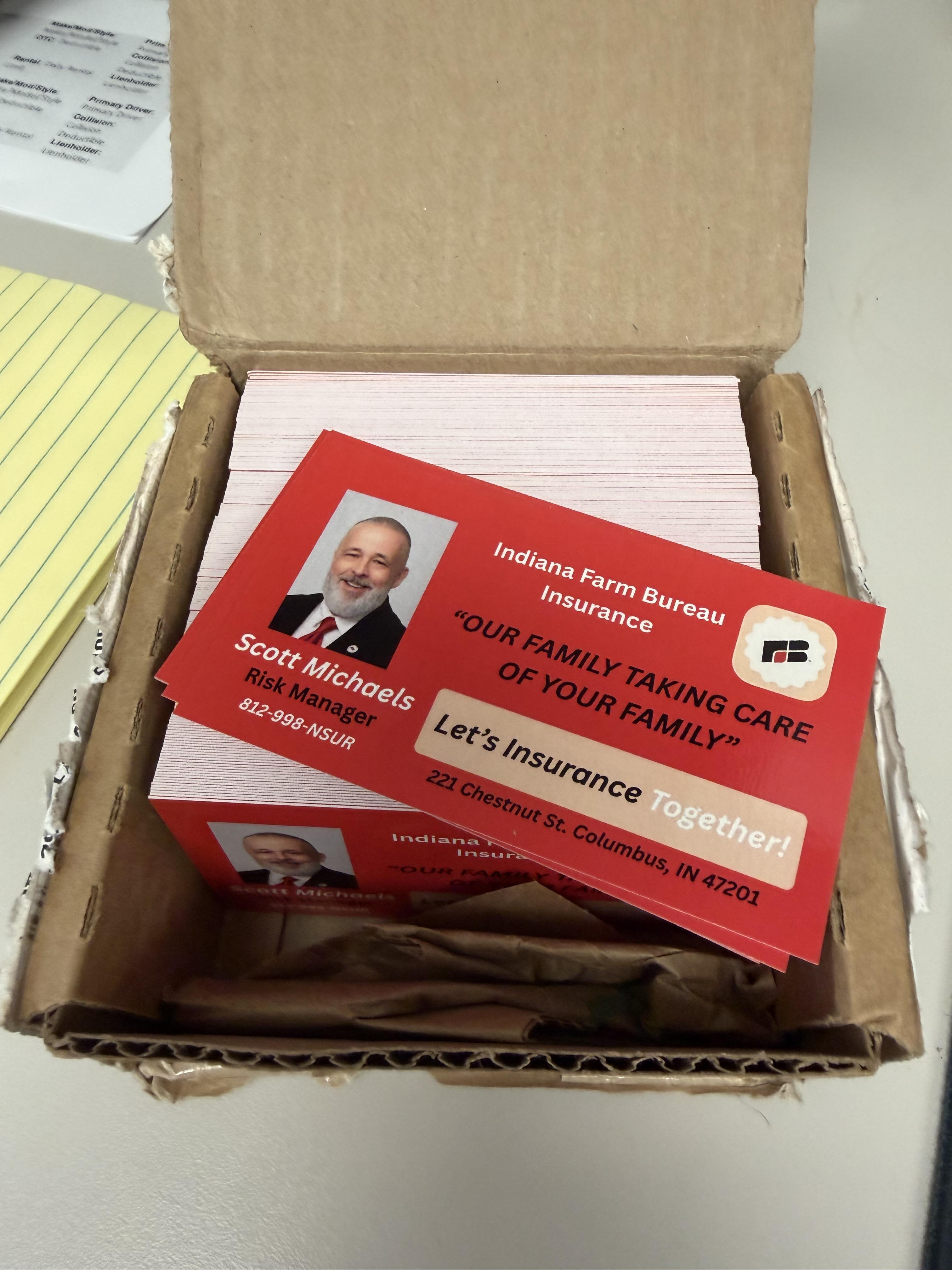
Same-Day Printing of Standard Business Cards
Business cards are one of the simplest ways to make a strong first impression. A clean, well-printed card signals that you're organized, established, and easy to do business with long after the introduction is over.
Choose your size, cardstock, and finish below, then upload your design or build one with our free online design tool. Order by 10 a.m. and we'll have your cards ready to ship the next business day, with same-day printing available when you're up against a deadline.
What is a Standard Business Card?
The standard business card measures 2" x 3.5", about the same size as a credit card, so it slides easily into a wallet, pocket, or cardholder. It's the size people expect, which keeps your contact information easy to carry and easy to find later.

- Bleed. This area gets trimmed off, so extend your background color or artwork all the way into it.
- Safely Line. Keep names, logos, and contact details inside this line so nothing important gets cut close.
- Trim line. This is exactly where the card is cut. The safety line and bleed area are your buffer on either side of it.
- Type size: Keep names and phone numbers at 9 pt. or larger and avoid thin or heavily decorative fonts as they can become hard to read once printed at business-card size.
Choose Your Cardstock
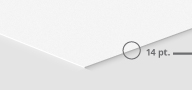
14 pt. Cardstock
- Our standard weight, and the right call for most orders. Affordable, easy to carry in bulk, and available in every finish we offer.
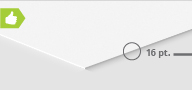
16 pt. Cardstock
- Noticeably thicker and stiffer than 14 pt. Choose it when you want your card to feel more substantial in someone's hand.
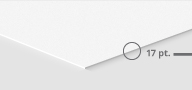
17 pt. Cardstock
- Our heaviest weight, with an uncoated, writable surface on both sides. A more elegant, substantial feel, and a good fit if you want people to be able to jot a note on the back.
Choose Your Finish
- High Gloss UV (Both Sides) – A glossy, protective coating that locks in vibrant color and gives the card a slightly thicker feel. The safe default if you're not sure what to pick.
- High Gloss UV Front/Uncoated Back – A glossy, colorful front with an uncoated back that's easy to write on. A popular pick if you want to jot notes for a contact.
- Gloss Both Sides – Shine without the extra UV coating step. A middle ground between full gloss and matte.
- Matte Both Sides – A flat, non-reflective finish that keeps text easy to read under bright light.
- Uncoated Both Sides – A natural, writable surface on both sides, with no shine at all.
Size and Shape
- 2" x 3.5" Standard – Our most popular size, and the one people expect. A safe choice if you're designing a business card for the first time.
- 1.75" x 3.5" Slim – A narrower card that stands out in a stack without changing how it fits in a wallet.
- 2" x 2", 2.5" x 2.5", and 3" x 3" (Square) – A bolder, more modern look. A strong choice for QR-code-forward designs.
- 4" x 4" – Our largest preset, with more room for detail-heavy designs.
- Custom – Pick any width and height between 2" and 4", in quarter-inch steps, for a fully custom shape.
Looking for a card with rounded corners built into the shape, or a folded card? Visit our Rounded Corners or Folded Business Cards pages.
Back Side Printing
- Full color – Print the same rich color on both sides.
- Black or Grayscale – A two-tone look for a simpler back design.
- No Printing – Leave the back blank if you only need one side.
Rounded Corners and Shrink-Wrapping
- Rounded Corners – Found in the options panel, just below Coating. Round all four corners, round two opposite corners for a distinctive look, or leave it set to None for classic square corners.
- Shrink-Wrapping – Have your cards bundled and wrapped for safe stacking and easy handing out. Optional, at no extra step needed until checkout.
Our Bestselling Standard Business Card Specs
A lot of our customers stick with the basics: our 2" x 3.5" standard size, printed front and back, on 14 pt. Cardstock with a High Gloss UV finish. If this is your first order and you want a safe, professional default, that combination is it.
As for the turnaround time, most customers choose our standard 3-business-day service rather than paying for rush shipping. Unless you're up against a real deadline, you don't need to pay extra for speed. Ordering in bulk for a growing team or a repeat order? 500 and 1,000-count are our most popular quantities.
Standard Business Cards FAQs
Turnaround time refers to how long it takes us to print and ship your order, it's not the delivery date and it doesn’t include the shipping time. "Next Business Day," for example, means your cards ship the next business day, and then still travel to you by the shipping method you chose. If you're working against a deadline, check our delivery estimate before you order and build in a buffer, so a shipping delay doesn't cost you the date you need.
Every order goes through our 33 quality checkpoints before it ships, including a check on trim accuracy, and a very small amount of variation between individual cards is normal for cut cardstock. If your order arrived with edges noticeably off, contact customer care with your order number and we'll make it right.
Printed detail can look different from what you see on screen, especially with small text. Keep names and phone numbers at 9 pt. or larger, avoid thin or heavily decorative fonts, and size any QR code at least 0.8" x 0.8" so it scans correctly. If your design uses small type or fine detail, order a proof first.
All three work well for full-color, double-sided printing. 14 pt. is our standard; it’s affordable and easy to carry in bulk. 16 pt. is noticeably thicker for a more substantial feel. 17 pt. is our heaviest option, with an uncoated surface on both sides so you, or your contact, can write directly on the card.
You can do either with NextDayFlyers. Upload your own print-ready file or use our free online design tool and one of our ready-made templates to build a card in a few minutes — no design software required.
We recommend PDF or TIFF so your fonts and colors display correctly. We also accept AI, EPS, .CDR, JPG, JPEG, PSD, INDD, and PUB files, all at a minimum of 300 dpi.