


 Custom Product Builder
  Custom Boxes
  Custom Stickers
  Custom Labels
  Custom Postcards
  Promotional Items
 Custom Stickers












.jpg)



- Ready to ship in 24 hours
- Weather resistant, waterproof & writable material options
- Custom shape &size available in any sticker format
- Free Sticker Design templates available


.svg)
.svg)
Features
- Ready to ship in 24 hours
- Weather resistant, waterproof & writable material options
- Custom shape &size available in any sticker format
- Free Sticker Design templates available
Sticker Printing Showcases Your Brand
Custom stickers are an effective tool for your marketing arsenal. Customers love decorating their personal items and will use your design as laptop stickers or on other surfaces. Every sticker placement becomes your own free advertising space.
We offer three practical and creative options for custom sticker printing. Individually cut stickers are pre-cut and delivered in stacks, perfect to use as handouts. They include scores in the back for easy peeling.
Roll stickers are spun around a cardboard spool that fits most label dispensers for rapid application. You can also manually apply roll stickers. The roll option comes in a wide range of sizes that suit every custom sticker label.
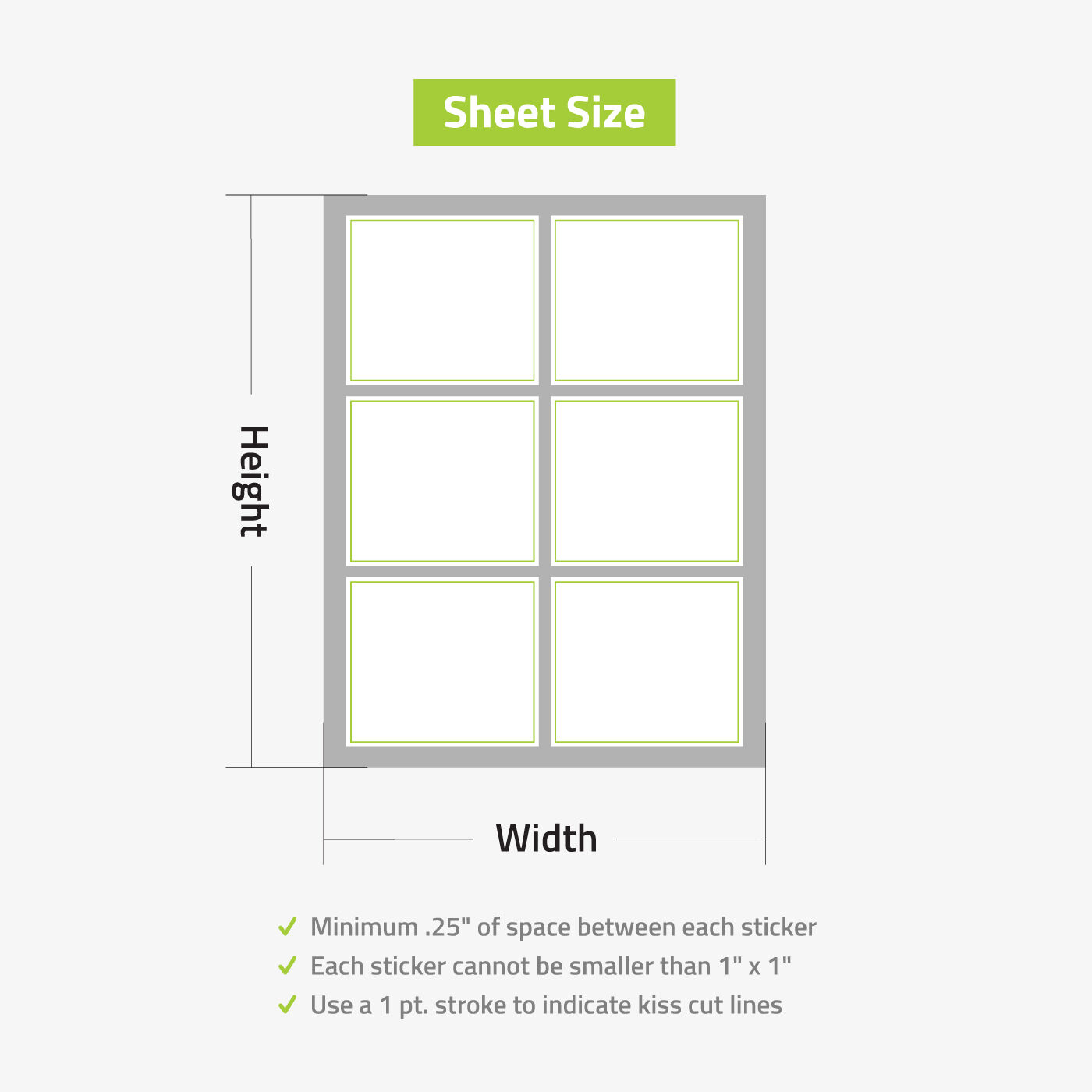
Sheet stickers let you create multiple designs in different shapes and sizes on a single sheet. This gives you the flexibility to customize the sticker print, such as printing different guest names. This sticker format is designed to be applied by hand.
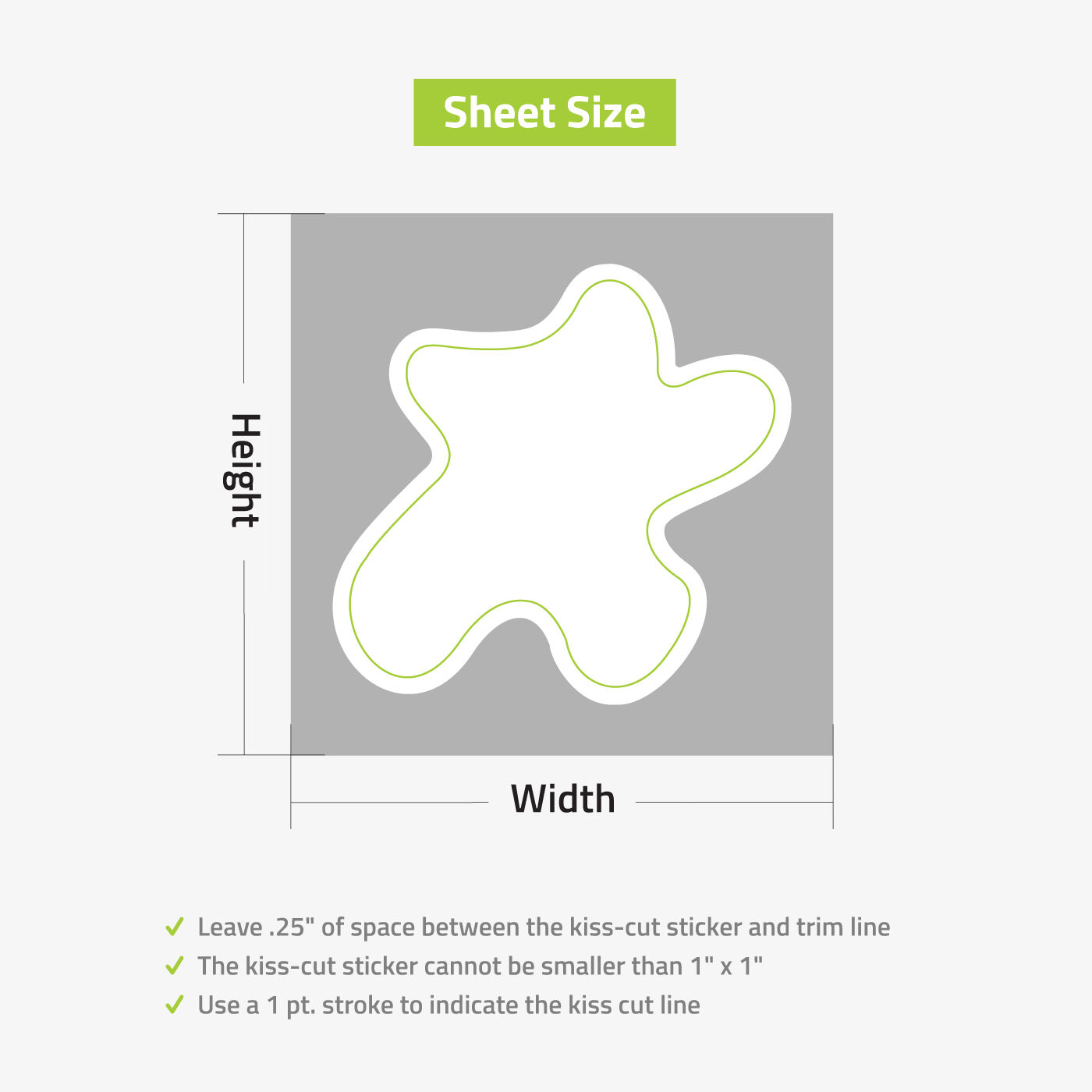
Stand out even more with custom stickers in die-cut shapes. Die-cutting uses your preferred custom shape or die to trim the sticker. For a more playful take, you can opt for kiss-cut stickers. Similar to die-cutting, kiss-cut technology uses special blades that don’t cut through the paper backing, giving you more room for creative executions. Kiss-cut gives you the ability to print intricately designed stickers without the risk of tearing during transit.
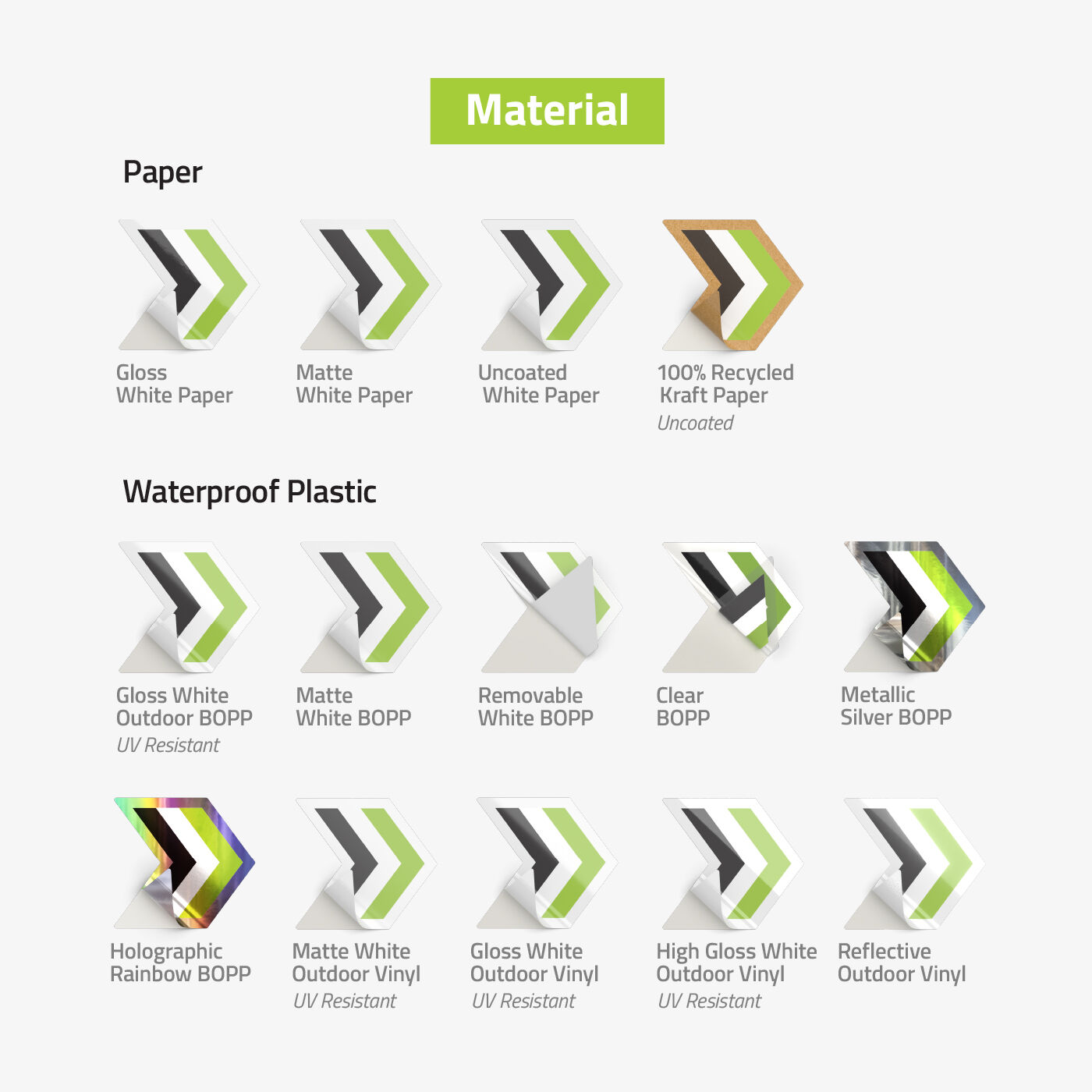
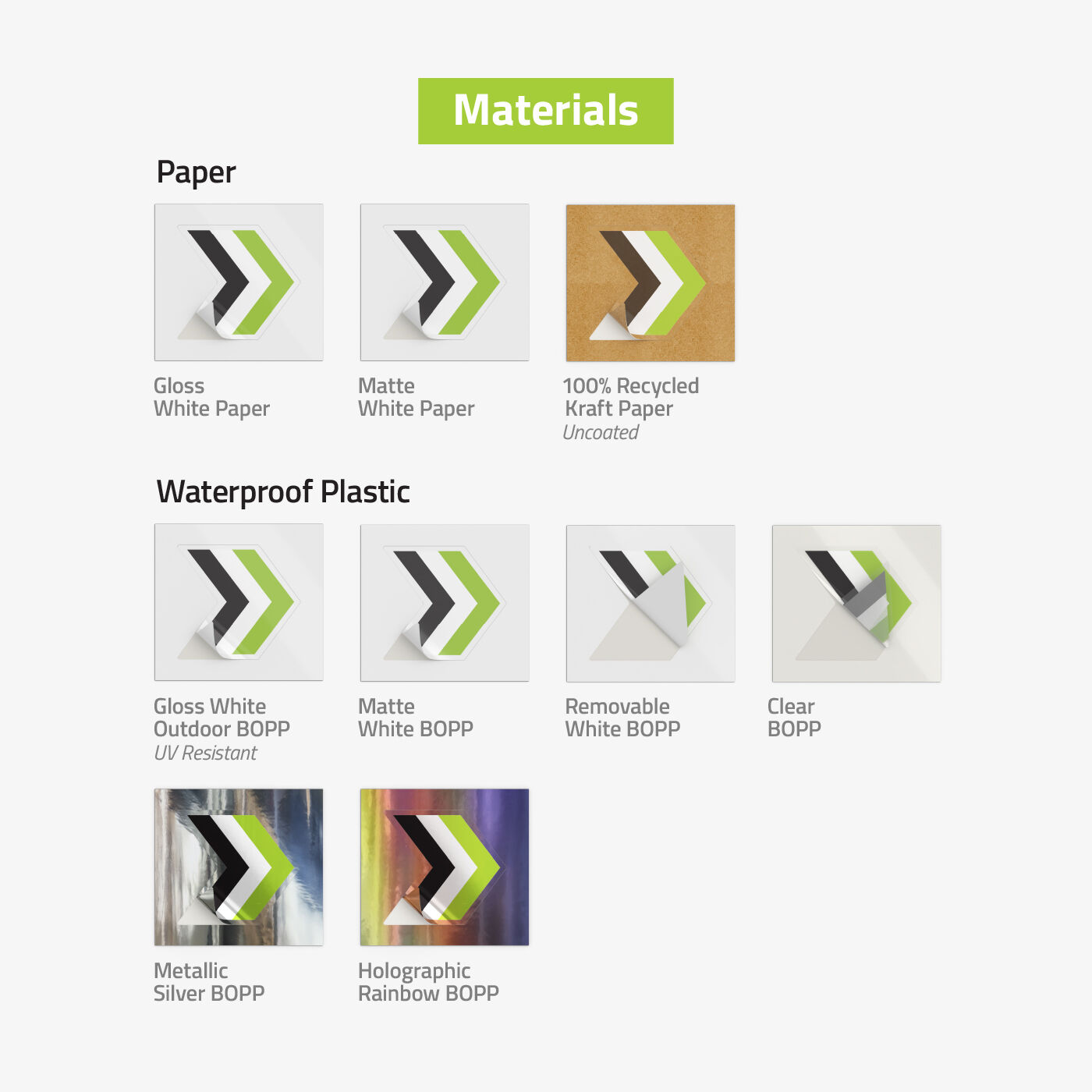
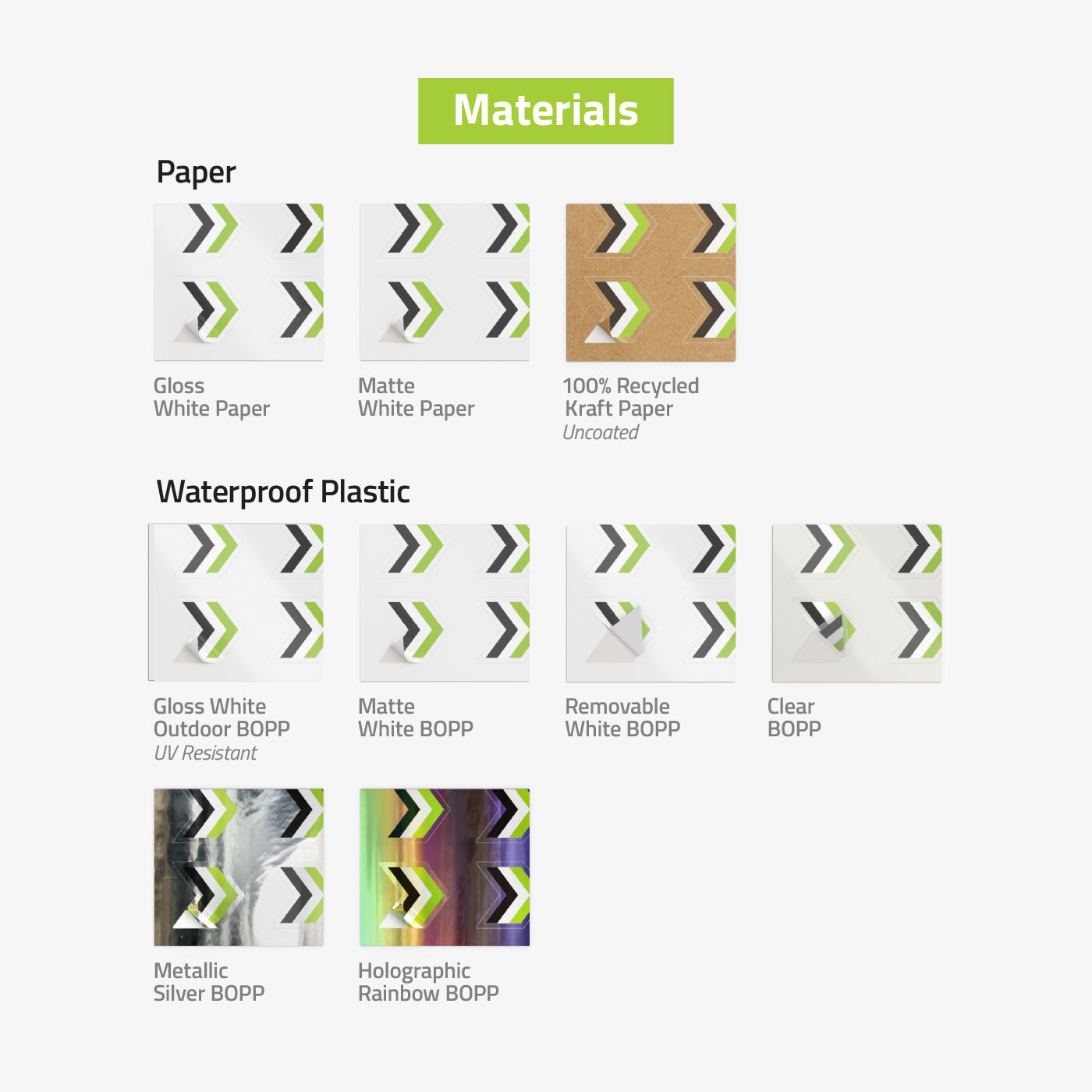
Individually cut sticker printing uses two (2) materials. White BOPP sticker is the most durable option for Sticker Singles (formerly cut-to-size stickers), with UV-resistant gloss lamination. Able to withstand high to low temperatures, white BOPP is perfect for outdoor use. For indoor applications, choose uncoated white paper which also has a writable surface.
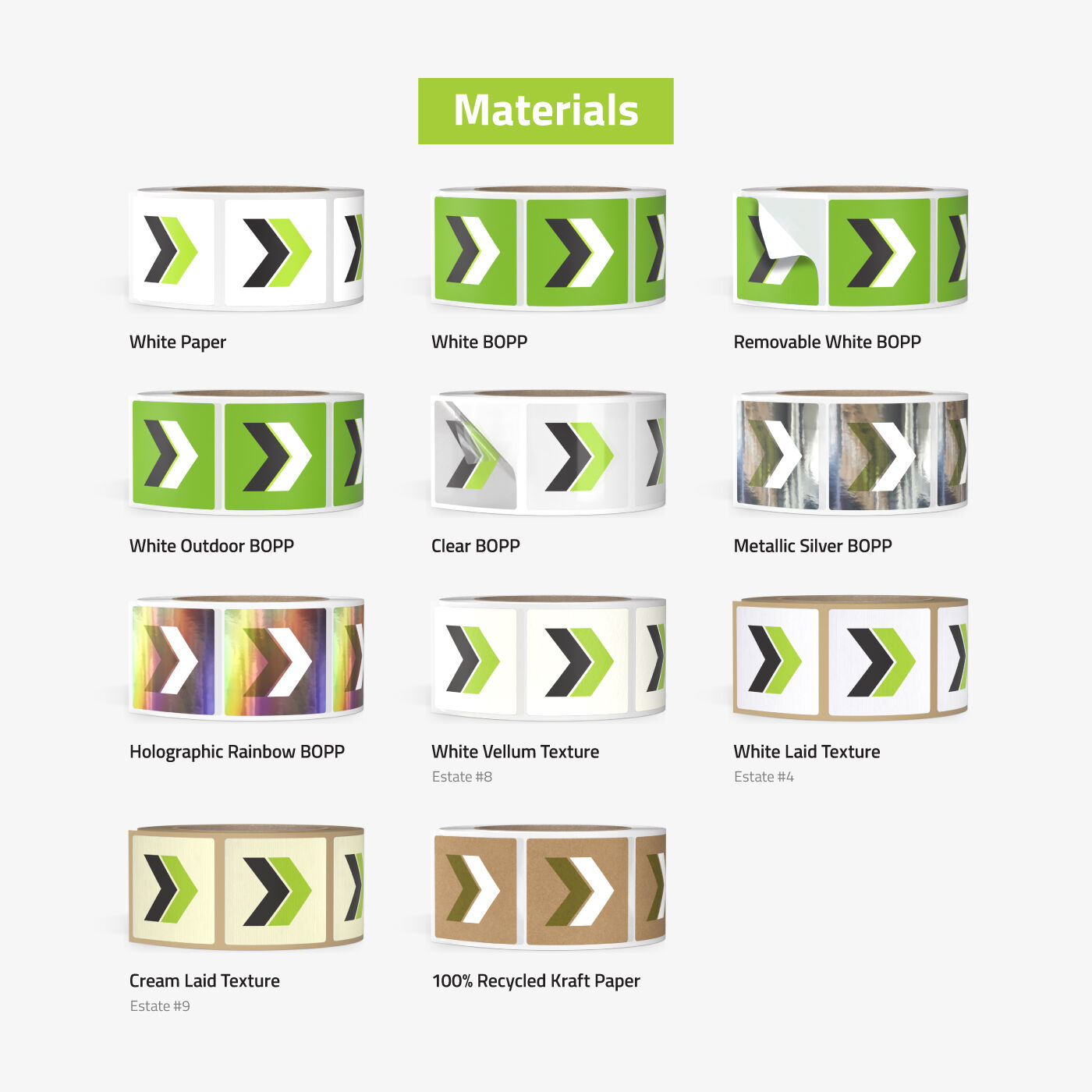
Roll stickers come in three (3) materials. White premium sticker paper is our most popular indoor material and comes with semi-gloss finish. Biaxially-oriented polypropylene (BOPP) stickers are suitable for stickers that might be exposed to water, oil, moisture, or refrigeration. Our BOPP stickers come in four (4) color options: white for an opaque finish, clear for that transparent look, silver metallic, and rainbow holographic for an iridescent effect. Estate adhesive stickers come uncoated with a natural texture, but you can add a matte finish for extra protection. This sticker is suitable for elegant and minimalist designs. Choose from three (3) types: white vellum, white laid, and white cream texture.
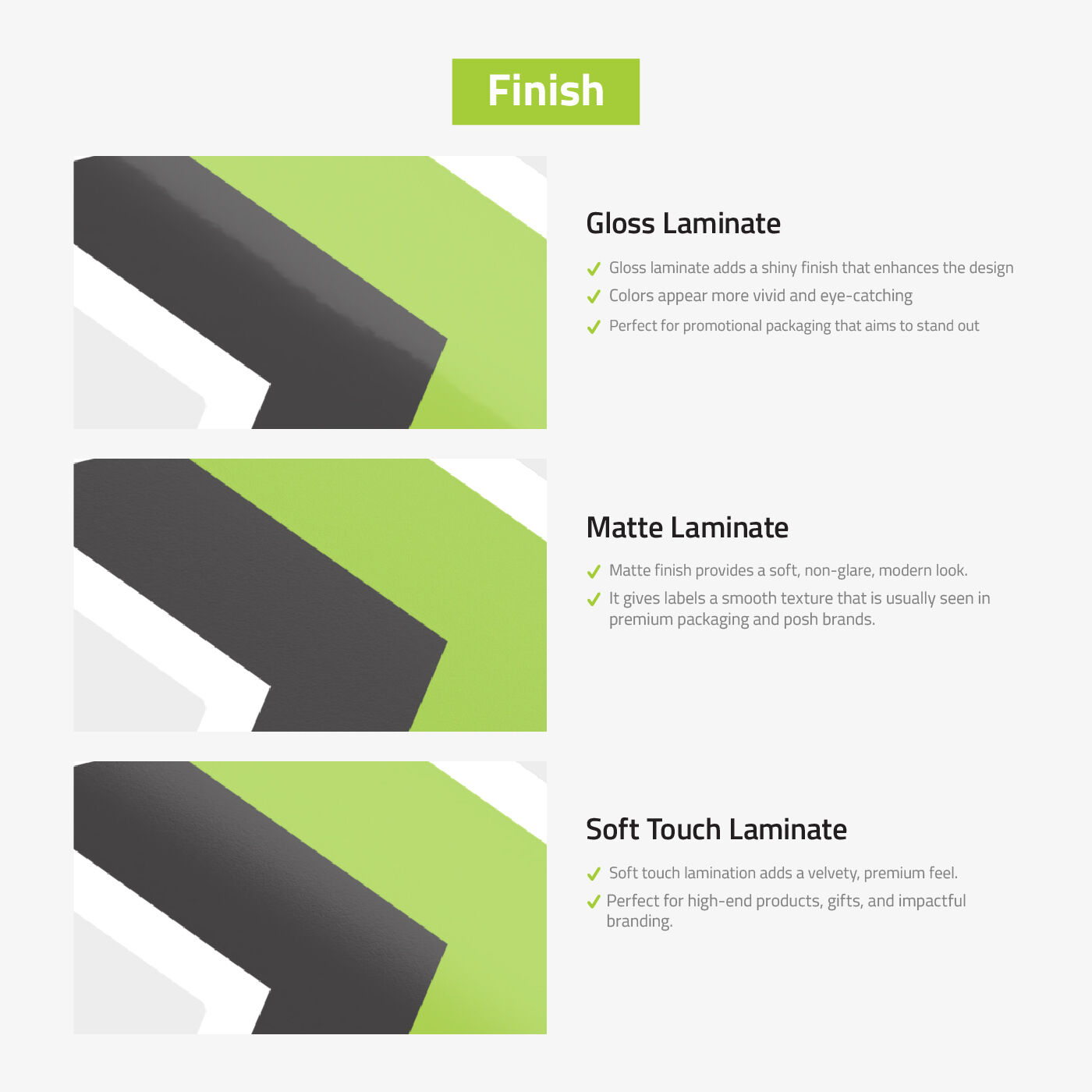
Sheet stickers are available in (2) materials. For general indoor use, white paper is a great choice. Its surface is writable with a ballpoint pen or a permanent ink marker. You may opt to apply a finishing coat to boost colors and add an extra layer of protection – choose from matte, gloss, and high gloss finish. White BOPP sticker is an extremely durable sticker material that is resistant to tearing, moisture, and UV exposure. Suitable for both indoor and outdoor use.
Get your custom sticker printing done quickly with NextDayFlyers. Use our online design tool to help you get started.
Creating Creative Custom Stickers
The beauty of custom stickers is that you have complete freedom on the design direction. However, especially when it comes to design, just because you can doesn’t mean you should. The overall artwork should be cohesive and visually appealing, especially if you’re using the stickers to market your brand or product. Here are some tips to think about when designing your next batch of custom stickers:
- Shape matters – The right shape can communicate the right message. Round and square stickers hone in on the design in the center, which is usually a brand logo. Heart-shaped stickers are perfect for Valentine’s themed activations. If you want a shape distinctly your own, you can opt for a die-cut or kiss-cut design.
- Go bold with color – You want your custom stickers to immediately grab attention wherever they’re stuck on – laptops, products, or even walls. The easiest way to achieve this is using bold colors, such as red, orange, teal,
- Make sure its legible – Once you’ve grabbed their attention, it’s important that your custom stickers quickly communicate your message. The attention span of people gets shorter and shorter by the day so you need your message to be short, concise, and straight to the point. It has to be readable even from afar to ensure it gets digested by viewers.
Get Started With Design Templates
Browse our free sticker design templates that you can easily customize with our online design tool. Just add your logo, change the text, and make it yours. Choose from a wide selection of industry templates like political campaigns, health care, and other design styles.
Here’s how to customize stickers on the website:
Custom Stickers FAQ
Sticker Singles (formerly cut-to-size) or individually cut stickers are recommended for smaller quantities that start at 25 pieces. Every sticker single is cut according to your chosen shape for quick and easy hand application.
Roll stickers are usually ordered in larger quantities starting at 250 pieces and can fit in most label dispensers. These stickers are easiest to peel in a hurry.
Sheet stickers are ideal when you need multiple stickers with different designs and sizes. Using a sticker sheet lets you maximize every inch. These are also perfect for multiple small stickers such as address labels or envelope labels.
Printing turnaround is the number of days allotted to print your order but does not include weekends and holidays. Shipping transit time is not included in the turnaround time.
To find out the fastest turnaround time for your order, click on Get Delivery Estimate below Printing Turnaround on the online calculator. This will show the available delivery dates and total transit time based on your ZIP code.
Die-cutting uses your preferred custom shape to cut through the sticker material and produce a sticker according to your customized design. It creates a sticker with a shape different from the standard square, circle, oval, and rectangle.
Yes, we use bend-and-peel backing for our sticker singles to make it easier to apply. Rolls and sticker sheets are laser-cut to make them easy to peel as well.
For stickers, choose white BOPP sticker material. White BOPP material is waterproof, durable, and gloss white BOPP can be used outdoors.
Keep all important elements (text, logos, and images) at least 1/8" inside the safe zone of your design template. Use the template's margin guides and grids to ensure proper alignment. When you submit your design, request a proof and carefully review it before approving production. A centered proof means centered final prints.
Borders may appear uneven after trimming due to slight variations in the cutting process. Even minor shifts can make thin borders look inconsistent. To prevent this, design borders that are at least 1/8" thick and inset from the trim line. Avoid placing thin borders near the edge of your design.
Convert your design file to CMYK color mode before printing. Most design software defaults to RGB (optimized for screens), which can cause color shifts when printed. CMYK mode shows how your colors will actually appear in print, allowing you to adjust as needed.
Other factors that affect color accuracy:
- Printer variation – Different printers produce slightly different results
- Monitor calibration – Screen settings color display
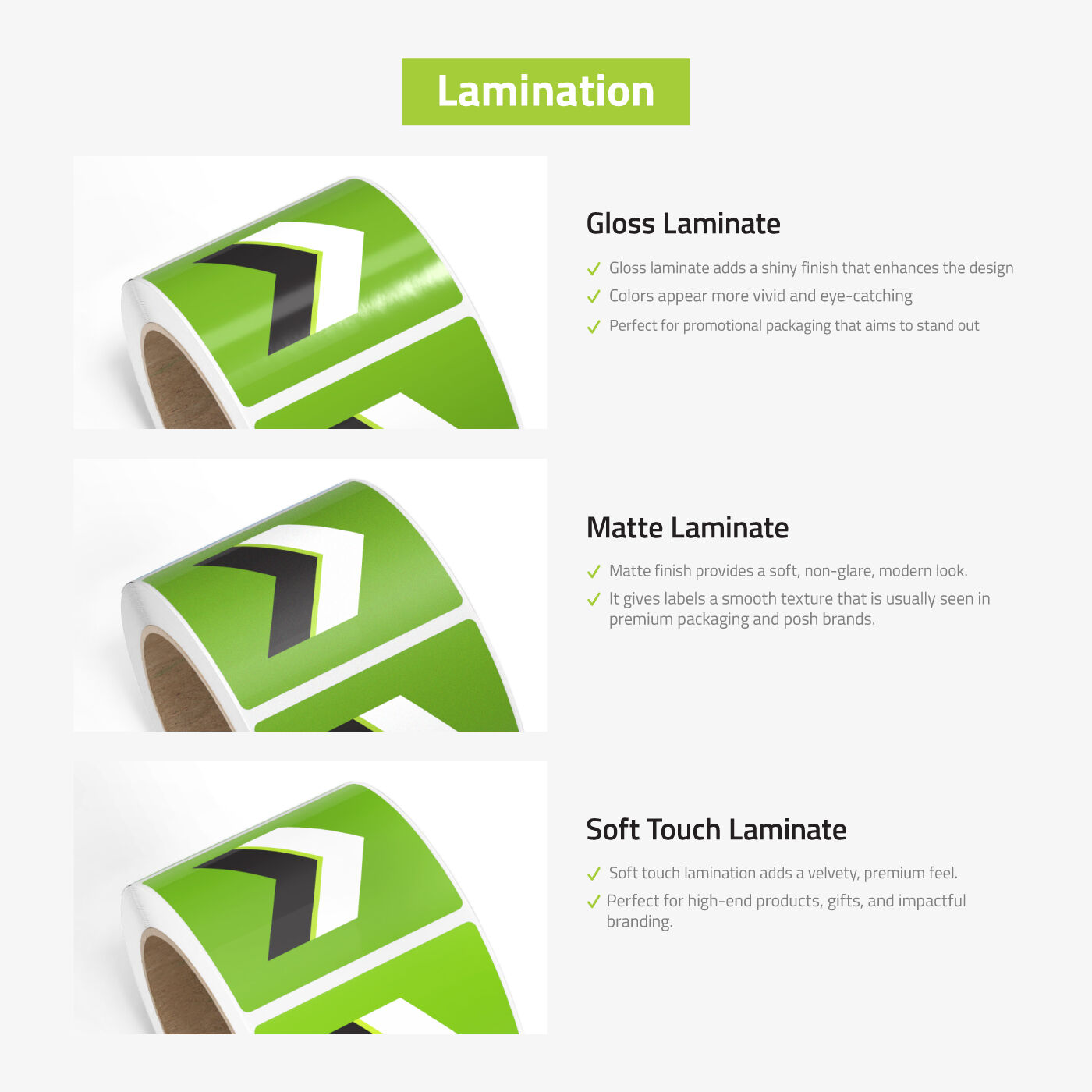
- Finish type – Matte and gloss coatings can alter color appearance and vibrancy
Best practice: Request a printed proof to see exactly how your design will look before full production.
To replicate colors from a previous order, contact us at [phone number] or [email address] with your order details. We can match your previous color settings and, if needed, route your new order to the same printing facility for the most consistent results.
Our stickers adhere to most smooth surfaces including paper, cardboard, plastic, glass, and metal. They're designed for both indoor and outdoor use with these features:
- Heat-resistant up to 150°F
- Cold-application down to 25-35°F
- Weather-resistant for long-lasting durability
All our standard stickers are suitable for indoor and outdoor applications.