


 Custom Product Builder
  Custom Boxes
  Custom Stickers
  Custom Labels
  Custom Postcards
  Promotional Items
 Brochures

- Next-day and local pickup available
- Unique coating and size options
- Different folding styles to enhance readability
Features
- Next-day and local pickup available
- Unique coating and size options
- Different folding styles to enhance readability
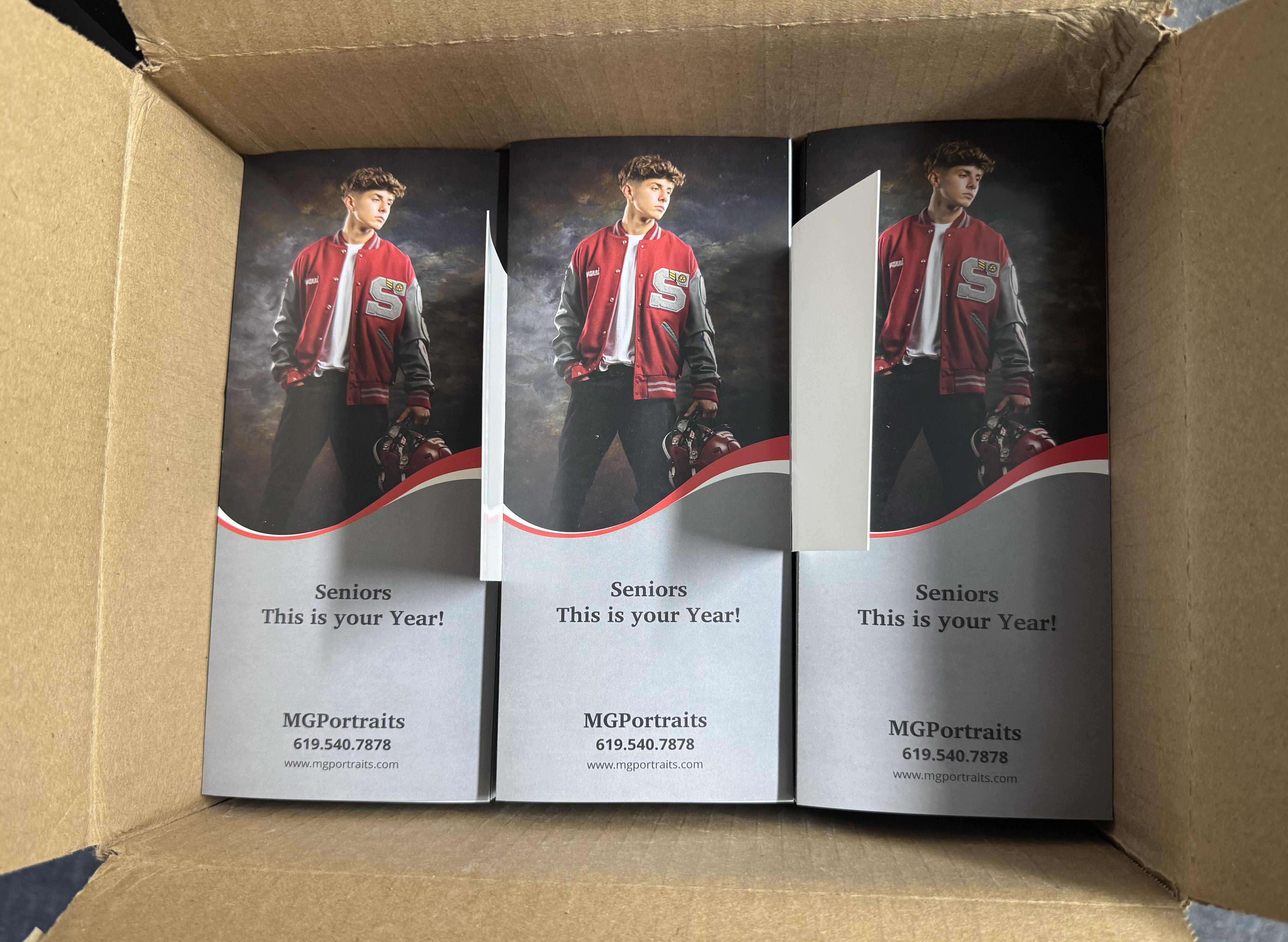
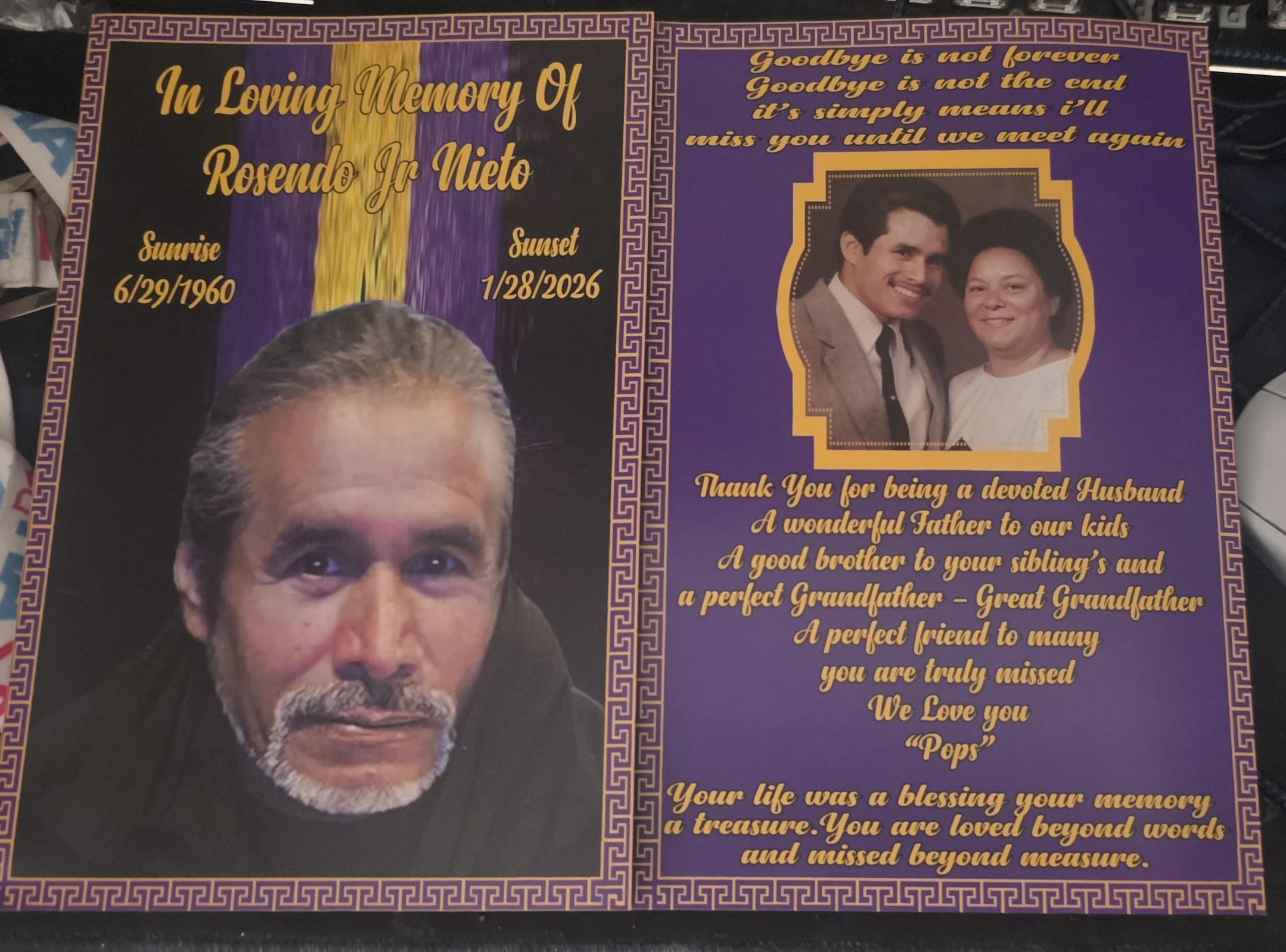
Let Your Brand Story Unfold With Custom Brochures
Put all of your cards on the table with brochure printing. Share every single detail that customers would want to know so that they are equipped with all product information they need from you. Brochure printing is a staple marketing strategy for good reason: brochures can cover a large amount of information, they are easy to distribute, cost less when ordered in bulk, and are highly customizable. Hand these out at trade shows, display them on your store counter, or give them away at pop-up store events and you are guaranteed to capture the receiver’s attention.
At NextDayFlyers, we offer custom brochures in a wide variety of size options and folds. You can print brochures that effectively maximize the available space and number of panels. Choose a size that will bring out the details of your images and clearly communicate your text. The standard sizes below measure the entire brochure before folding:
- 2-fold: 8.5” x 11”
- 3-fold: 8.5” x 11” and 11” x 17”
- 4-fold: 8.5” x 14”
Note: All sizes indicated on the calculator are full measurements before folding.
While these are the most popular sizes, the best type of brochure for you will depend entirely on its content. There are some brochure styles that will display images better than text. From half-fold to z-fold, all the way to parallel map fold, you can customize a wide variety of brochure types to suit any purpose.
Upload your design or create a new one using our online brochure design tool. In a rush? We offer flexible printing turnaround options if you need brochures asap. Choose same-day printing and if you complete checkout before 10am, we’ll get your order ready for shipping or pickup on the same day.
We also have free downloadable print templates that are compatible with design software like Adobe Photoshop or Illustrator. These are blank print templates that indicate the proper bleed, trim, and safety zones so you can properly set up your design file.
Why Choose NextDayFlyers for Your Brochures
For fast and efficient brochure printing, NextDayFlyers is the printing partner you can rely on. We offer endless customization options to help get your message across with each brochure. Choose from simple bifold brochures, the classic Z-fold, gatefold treatments, and more. You can create your artwork in minutes using our online design tool. This free browser-based app lets you create your design completely from scratch or with the help of ready-made templates.
Choose the Best Brochure Fold
How to Use a 2-Panel Option
 |
Popularly known as bifold brochures, this type of brochure is made up of two panels, folding the total space in half. This style works best for simple business presentations. The large space can introduce one or two products or services. |
How to Use the 3-Panel Format
 |
As the name implies, the trifold divides your brochure into three vertical panels. This fold allows your customer to take in information in a specific sequence. This is one of the most popular options because it’s compact, holds a lot of information, and fits in most rack card slots. Take advantage of the trifold brochure by creating engaging content that’s divided or broken down per panel. You can easily divide your services, products, and call to action into consecutive sections. |
 |
Z-Fold This fold divides your brochure into three vertical panels into its distinctive “Z” shape. Each panel folds on top of one another and efficiently presents the different features of a product or service. Z-fold brochures are also commonly used for content with multiple language translations. Each fold creates a separate section but are unified to create one whole page when the brochure is unfolded. This also allows you to create easy layouts for images and text because they’re all on one side of the brochure. |
 |
Gate Fold This brochure has a three-panel design where the two front panels fold inward to form the “gate.” The front panels can reveal an image or infographic that unveils a new offer from your business. We recommend gate fold brochures for presentations that focus on design or a “big reveal”. Gate fold brochures typically catch more attention. |
Best Uses for 4-Panel Brochures
 |
Accordion Fold The accordion fold divides your brochure into four panels that fold on top of one another. This option unfolds information in an organized and sequential manner. It is like the z-fold, but with four panels. It’s much simpler to design compared to other brochures because of its chronological way to present information. Use accordion folds for event brochures with day-to-day schedules or even for maps. |
 |
Double Parallel Fold The double parallel fold divides your brochure into four panels that are parallel and stand in the same direction. This brochure is usually printed on larger paper to give extra space for your design. You can use double parallel fold brochures to give customers a detailed look of your company, categorize different product offers, or add a form that customers need to fill out. |
 |
French Fold This fold divides your brochure into four panels. The paper is folded in half, and then folded again perpendicular to the first fold. The total space is large enough to show photographs of your products. The French fold is popular for programs and promotional pieces especially when it is necessary to have a full-size image on the inside of the print material. |
 |
Parallel Map Fold This fold divides the brochure into four vertical panels, which are directly adjacent to one another when the paper has been fully opened. A parallel map brochure will open like a folder, and then unfold further. Use the long height per panel to showcase your services in detail. |
Find Your Perfect Paper Stock & Coating
Our brochure printing service offers four premium paper stock options.
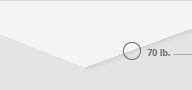
70 lb. paper comes uncoated, making it easy to write on with any pen or marker. It’s lightweight, but thicker and more durable than standard copy paper.
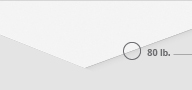
80 lb. paper is slightly heavier than 70 lb. paper. It comes with a gloss finish, so it adds a reflective shine to your brochures. Choose gloss coating to add vibrance and saturation to your images. Gloss paper is writable but only using permanent ink.

100 lb. paper is our popular paper stock for brochures because of its thick, premium feel. For brochures, we always recommend 100 lb. paper because of its texture and durability. Choose high-gloss UV for added shine or matte coating for an elegant, subdued effect.

10 pt. cardstock is our heftiest, most durable material for brochures. We recommend 10 pt. cardstock for brochure types with less folds so that they stay closed when not in use. You can also choose high-gloss UV or matte coating for this type of cardstock.
Note: Both paper and 10 pt. cardstock are folded before shipment. Read up on paper and cardstock here.
Choose from our coating options to enhance the details of your images and text.
Matte coating has a satin-like texture and its smooth surface helps with reading through a lot of text.
Gloss coating on both sides adds some shine without glaring against the light.
High-gloss UV coating adds gloss that makes images pop. Brochures with high-gloss UV coating can also withstand repeated handling.
We also offer premium laminate options for your brochures. These different finishes make your handouts stand out immediately, whether it’s passed around or displayed on a rack.
Silk brochures sit somewhere between a matte and gloss finish. It is soft to the touch and adds an elegant look.
Soft touch has a velvety finish that’s perfect for high-end and premium products or services.
Gloss antibacterial is a special high-gloss finish that has germ-inhibiting properties. This is beneficial for brochures that are passed around often.
Upload your design or create a new one using our online brochure design tool. Need brochures fast? Confirm your order by 10 a.m. PT Monday through Friday and your order will be ready for pick up or shipping between 5:30 p.m. and 7 p.m. PT on the same day.
Additional Brochure Resources
Check these out to learn how you can create highly effective custom brochures for your business.
- 10 Tips for Creating Your Brochure - When done right, brochures are a surefire way to draw customers to your business. In this comprehensive guide, find out how you can maximize this print marketing tool’s potential.
- Brochure Do's and Don'ts – How much copy should you put in your brochure? Is there an optimal size for brochures? In this article, we break down the best practices and common mistakes in brochure printing.
- 20 Business Brochure Designs – Are you running out of ideas on how you can make your company brochure stand out from the competition? Be inspired by these eye-catching custom brochures from different businesses.
- 5 Tips for Creating a Travel Brochure – Do you own a travel agency? We list down the factors that make up an effective travel brochure – keep these tips in mind before you start looking for a brochure printing company.
Brochure FAQs
- 2-fold (8.5” x 11”) is primarily used to introduce a specific product or service.
- 3-fold (8.5” x 11” and 11” x 17”) allows you to present longer lists or detailed information in a sequence.
- 4-fold (8.5” x 14”) provides more space or larger areas for images and infographics to showcase blocks of information in an organized manner.
- 2-fold – 5.5” per section
- 3-fold – 3.7” per section for 8.5” x 11” and 5.6” per section for 11” x 17”
- 4-fold – 3.5” per section
Yes. The dimensions range from 5.5” to 27.75” for width and 4” to 16” for height, with .25” increments. Take note that these are dimensions before folding the brochure.
Matte coating adds a muted sheen that protects your brochure design from smudges and fingerprints. This option is available for 100 lb. paper and 10 pt. cardstock.
You can choose from several folding options in the order calculator. If you would like to receive your brochures unfolded but scored, please email our customer service team or get in touch with us at 855-898-9870 so we can provide further assistance.
You can find these blank templates in every brochure product page, under the Templates tab. Choose your preferred brochure fold and size then download the ZIP file. These templates are compatible with popular editing applications.
“Printing turnaround” is the number of days allotted to print your order. It does not include weekends and holidays. Shipping transit time is not included in turnaround time.
- Select “Ready Today” as your printing turnaround so that the design will be ready on the same day.
- Enter your ZIP code under “Delivery Options” to get an estimate and see the fastest shipping times for your order.
- You can choose from 1-day delivery dates. Some locations have next-day pickup dates available as well.
Selecting the free proof lets you check the design before it is printed. We highly recommend this for individuals under a rushed timeline or those with specific printing concerns on their file. It’s also recommended to customers who are new to getting designs printed or using NextDayFlyers. Our customer service team will be available to address any concerns regarding the proof.
You can start by using our online design tool. It lets you upload images, add copy, colors, and shapes. You can also create a design using your preferred design app and upload the file directly to the website.
Yes, you can. Make sure that the file is in CMYK color mode, with a resolution of at least 300 dpi, has a bleed of .125”, and in one of the following file formats: AI, DOC, DOCX, EPS, JPG, JPEG, PNG, PSD, PUB, TIF, TIFF, PPT, PPTX, TXT, CSV, XLSX and XLS. For detailed instructions, visit our Help Center.
- Don’t forget branding. Place your company name, logo, and product message clearly at the front of the brochure. Make the design in such a way that even if it’s racked, your name and logo is still visible and prominent. You want people to know a brochure is from your brand before they even pick it up.
- Templates are your friend. Don’t underestimate the help they can provide. Templates give you handy border guidelines and visual cues to steer you in the right direction.
- Strive for balance. Avoid cluttering your brochure with excessive images, text, colors, and other elements. You may want to expound on detail in your brochures, but be careful not to drown your audience with information.
This depends when you need the brochures. You can avail of same-day production as long as you place your order and upload your print-ready file by 10:00 a.m. PT. You can also check the delivery estimates on the product page.
- 70 lb. paper – Thinnest material option. Similar to the feel of book pages.
- 80 lb. paper – Slightly thicker and more durable. Feels almost the same as magazine pages.
- 100 lb. paper – Thickest available paper stock. The ideal choice for brochures.
- 10 pt. cardstock – Thin cardstock making it easy to fold. Usually used with greeting cards.
It depends on your objective. In general, it’s good to have a balanced mix of both. Brochures are supposed to be informative. If your products are technical in nature, it’s better to add all the important details. If you’re promoting real estate, build excitement with stunning visual elements.
- Set your design file to CMYK color mode. This is the appropriate color mode for print products. If your design is set to RGB, convert it to CMYK before sending it to your printer.
- Use ICC color profiles to help translate colors from your screen to print correctly.
- Calibrate your monitor’s brightness, contrast, and color settings so that your design's colors appear as accurately as possible.
- Review the proofs sent by your printing partner. Request a hard copy when possible so that you can see and feel your sample brochures before approving a print run.
Use our design templates, which include proper panel widths that accurately reflect the brochures with different fold types (half, trifold, Z-fold, etc.) When designing your brochures, arrange your text and images so that the content flows naturally when opened. Set a 0.125” bleed line to prevent white borders and ensure all important content is positioned inside the safe zones and within both the trim and folding lines. You can request a test print on standard paper, fold it, and check the alignment and content to ensure they are accurate before approval.