


Before You Print: A Complete Guide to Brochure Design


Brochures are one of the most complete and versatile marketing tools you can use for promotions and client-building. Most hand them out during trade shows and conferences, while others prefer mailing them through EDDM or USPS mailing. Unlike flyers or postcards, brochures allow you to showcase everything about your brand, from products and services to your company's story.
Now, to create the perfect brochure, you must strike the perfect balance between compelling visuals and clear, informative content. Professional designs, appropriate content, and an easy-to-follow flow all play their part in accomplishing the brochure's goals. In this guide, we'll walk you through the essential elements to include in your brochure before sending them to print.
1. The Layout
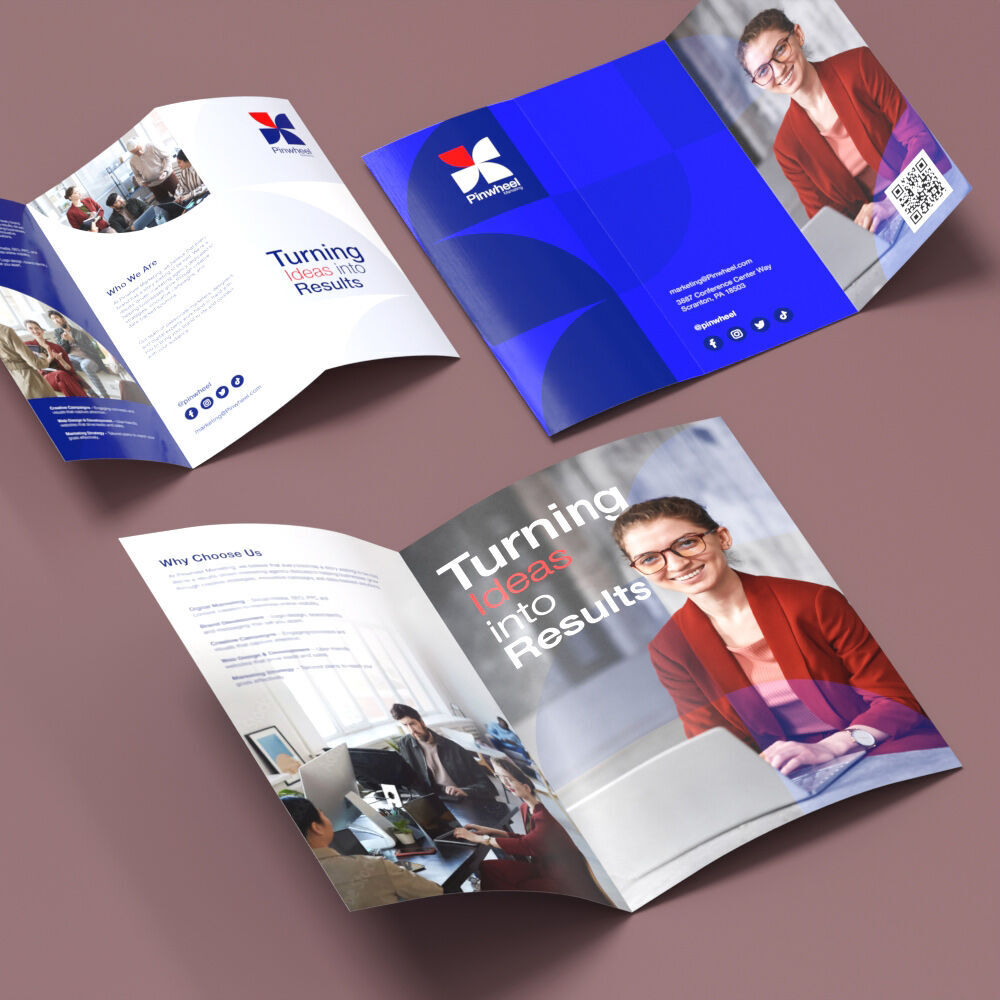
Designing your brochure starts with its structure and layout. Choose the size, fold type, and orientation that can best present your business offerings.
- Choose the right orientation
- Pick the best way to unfold
- Half-fold: This simple fold splits the brochure in half, giving you four panels to work with.
- Trifold: A classic and professional fold that divides the cardstock into three equal parts and creates six panels. It is perfect for breaking up your content into sections.
- Z-fold: This accordion-style fold opens out in a zigzag and is great for step-by-step guides, timelines, or presenting content in a creative way.
- Select the appropriate brochure size
- 8.5" x 11": This is the most common and cost-effective option. It’s easy to handle and fits standard folders and envelopes.
- 8.5" x 14": Ideal for trifold brochures needing extra space. The additional length allows for more breathing room for content-heavy designs.
- 9" x 12": A slightly larger option that feels premium and works well for mailing inserts or product catalogs.
- 11" x 17": One of the biggest standard sizes available. An excellent choice for highly visual layouts, menus, or detailed product information.
- Set your bleed and trim areas
Most brochures are printed in landscape when fully unfolded. This allows more space for infographics and images while making the information easier to read.
It is best for mailing fewer than 500 copies, so it’s great for smaller, highly targeted campaigns. Use it when timing matters, like limited time offers, event invites, or reaching VIP customers with a personalized touch.
The type of fold you choose will affect how your brochure will be presented and how details can be read.
Choosing the right size dictates how portable your brochure will be and how much information you want to put in. Printers typically offer the following standard sizes:
To ensure your brochure prints cleanly and professionally, set up proper bleed and trim zones for printing. Also, keep all text and key visuals within the safe zone margins, so nothing important gets cut off.
2. The Information
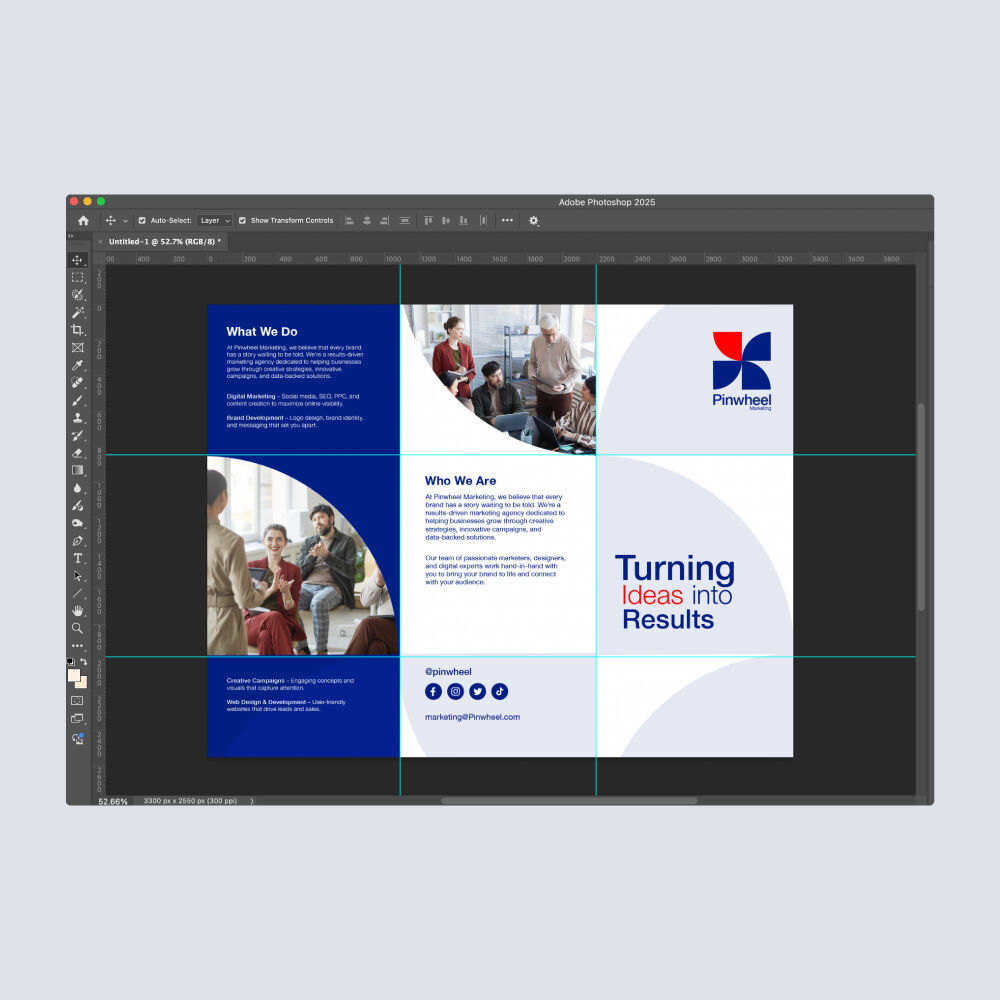
Once you have your brochure layout set, the next step is to start writing your brochure content. Provide all the necessary information your audience needs to learn more about your brand. You'll also need a clear call-to-action that encourages your customers to take part in your activities, sales, or upcoming events.
- Add essential business details
- Insert all key content clearly
- Highlight customer testimonials
- End with a strong call to action
Always include key information such as your business name, physical address, phone number, and email address. Add a QR code that links directly to your website or a relevant product page to make it easier for readers to take the next step or learn more.
Provide a clear and organized breakdown of your products or services. Make sure each offer includes descriptions, features, and any other essential details. Bullet points and short sentences work best to make everything easier to scan and understand.
A few well-chosen quotes or short stories about real experiences can go a long way in influencing new buyers. Add these testimonials to build authenticity and help strengthen your brand's reliability.
Guide readers on what to do next. Invite them to visit your website, call your office, book a service, or scan the QR code. A clear and persuasive call to action ensures your brochure not only informs but also engages customers.
3. The Design
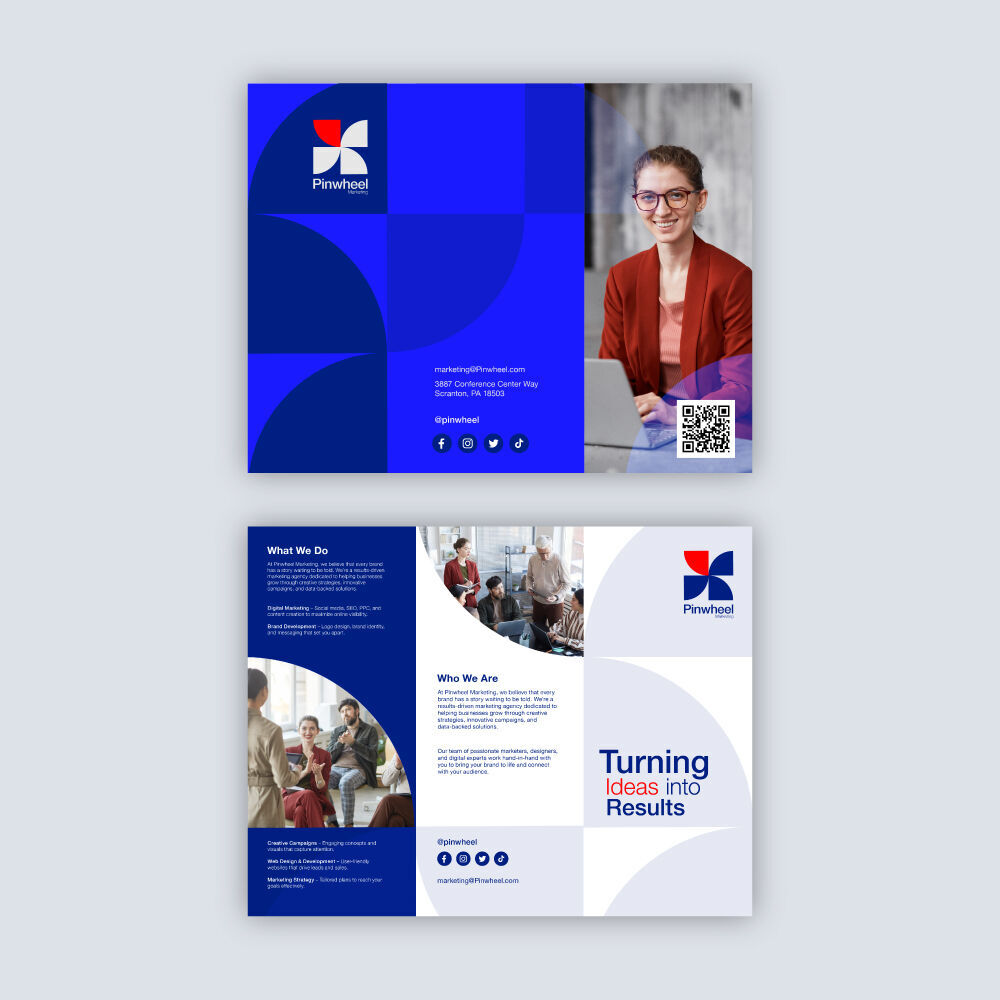
If you’re finished with the writing and editing, you can now focus on the visuals that serve as visual references for your content. Try to balance your design with the relevant information, maintain consistency with your visuals, and ensure your images, colors, and logos reflect your brand identity.
- Use your brand colors
- Feature your logo prominently
- Include high-resolution images
Make your brochure stand out and represent your brand using official brand colors. You can also pair them with complementary shades to maintain visual harmony. Printing it on colored cardstock is a good option, especially if there are available tints that fit well with your branding.
Always reserve the brochure's front cover for your brand logo. Putting the logo front and center ensures that your audience immediately knows who the brochure is from. Also, double-check that the logo and branding you're putting in is the latest iteration.
Use only professional-quality images that accurately represent your products, services, or customer experience. Avoid blurry, pixelated graphics or generic stock photos. Sharp, high-resolution visuals at 300 dpi will help make your brand feel trustworthy.
4. The Formatting
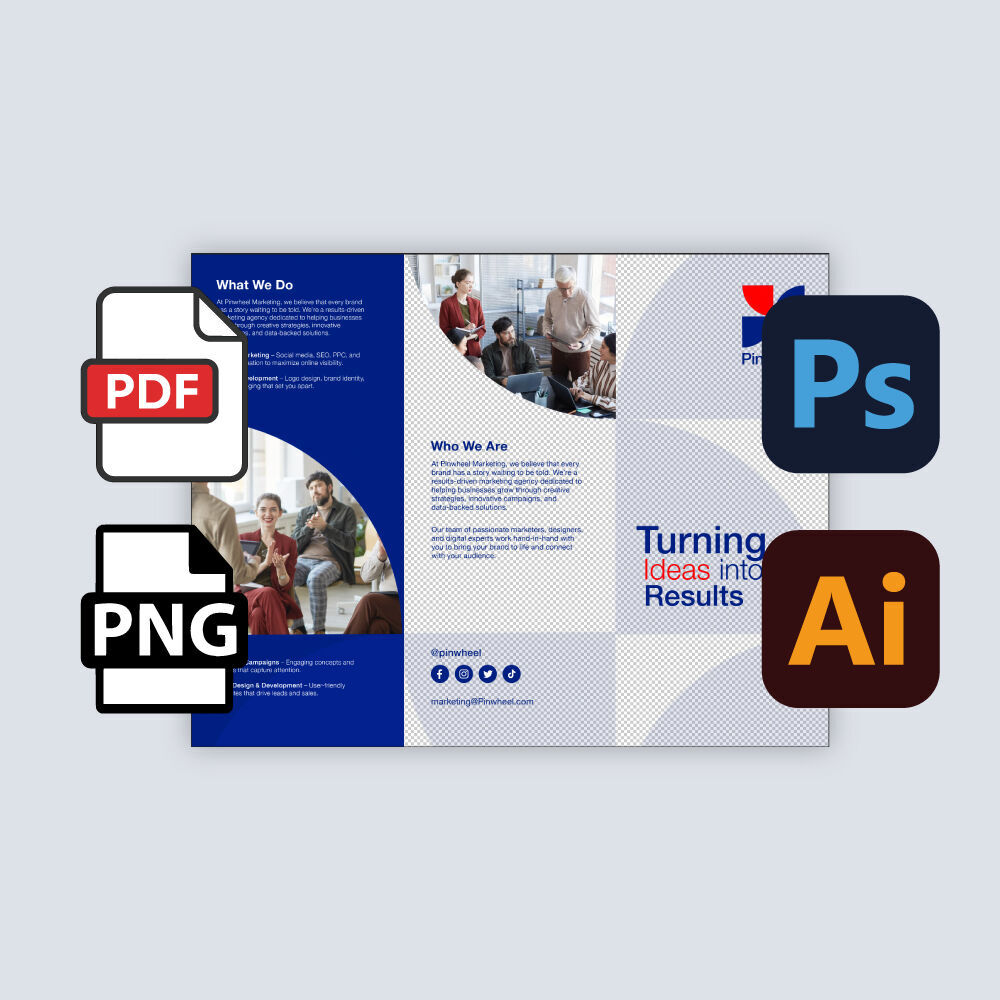
Take time to fine-tune the formatting before sending your brochure off to printing. A well-organized and polished design makes your brochure easier to understand and looks professional.
- Use professional, readable fonts
- Balance your visuals and text
- Check spelling and grammar:
- Lay out your content for flow:
Stick to clean and legible fonts that reflect your brand’s style. Sans serif typefaces are often preferred for printing because of their readability. Use larger font sizes for headers and keep body texts consistent and easy on the eyes.
Give your layout breathing room with well-placed white spaces. Break up large chunks of text using bullet points and balance them out with infographics or high-quality photos.
Proofread every word of your brochure to avoid typos, spelling mistakes, or grammar errors. It helps to review your copy multiple times or ask someone else to catch anything you might have missed.
Organize your brochure panels to follow a logical story. Readers should easily move through your content as they open each fold. Start with an attention-grabbing introduction, provide key details in the middle, and finish with your call to action and contact information.
Brochures are meant to put your brand's best face forward, offering everything to be seen by many people. Creating a strong design delivers a great first impression and gives customers the information they need to take the next step. When you're ready to print, trust NextDayFlyers to provide fast and high-quality brochure printing that captures your vision, down to every fold and panel.
Related Articles
How to Pick the Best Size and Paper Type for Your Brochure
Brochure Design Guide: 10 Ideas That Work in 2025
9 Types of Brochure Folds, Standard Sizes, and Applications
Best Fonts for Brochures: Readability Meets Branding