

 Custom Product Builder
  Custom Boxes
  Custom Stickers
  Custom Labels
  Custom Postcards
  Promotional Items
 Business Flyers

- Print in just 1 day
- Thin & thick coating options
- Perfect for church and restaurants
Features
- Print in just 1 day
- Thin & thick coating options
- Perfect for church and restaurants
Captivate Customers With High-Quality Business Flyer Printing
Whether you are a small business owner of a restaurant or a professional real estate agent, business flyers are an easy way to spread the word about specials or your latest listings. It’s a cost-effective way to communicate with your audience. Discover the high-quality features you can add to create a flyer customers will want to keep and read.
A Wide Range of Flexible and Durable Materials
Six material options that will make an impact on potential and loyal customers.

Light to the Touch
The 70 lb. is our most lightweight paper stock and has a texture and thickness similar to the inside pages of notebooks.
Double Sided Shine
Our 80 lb. paper has a thickness similar to magazine paper. We recommend applying gloss coating on both sides if you’re looking for that extra shine.

A Page Turner
The 100 lb. paper is our thickest paper stock available and is similar to the pages of a coffee table book or children’s book.

Foldable Cardstock
The 10 pt. cardstock has a thickness similar to greeting cards, but thin enough to fold. It makes your flyer easy to keep but less likely to crease.

The Sturdy Alternative
The 14 pt. cardstock is normally seen on business cards and postcards. They’re bendable but unlikely to break and tear like paper.

Premium Option
The 16 pt. cardstock is our thickest and most durable material available. It is tear and wear resistant. We recommend this for brands that want to make a memorable first impression.
Still unsure about your choice of paper or cardstock? Read more in this article that differentiates paper from cardstock.
Highlight the Details of Your Business Flyer Design
High Gloss UV
Colors are sure to pop and stand out with the high gloss UV’s extra shine. It’s also resistant to abrasion and writing.
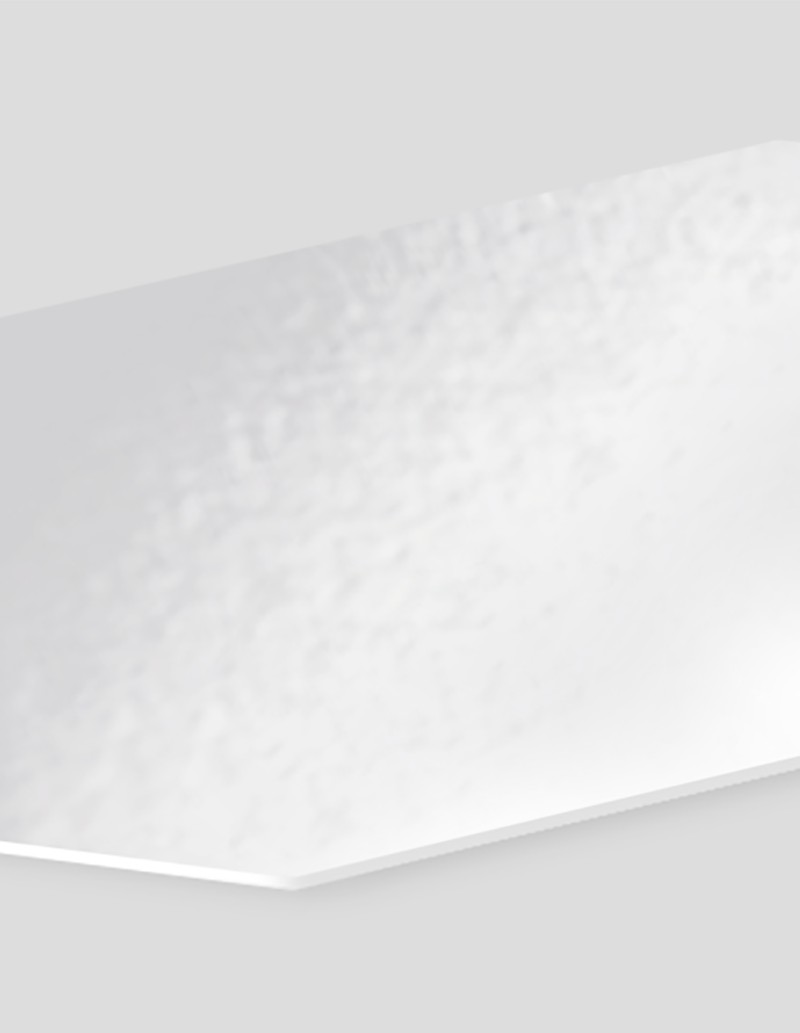
Gloss Coating
The standard choice for flyers thanks to the sheen it gives on both sides.
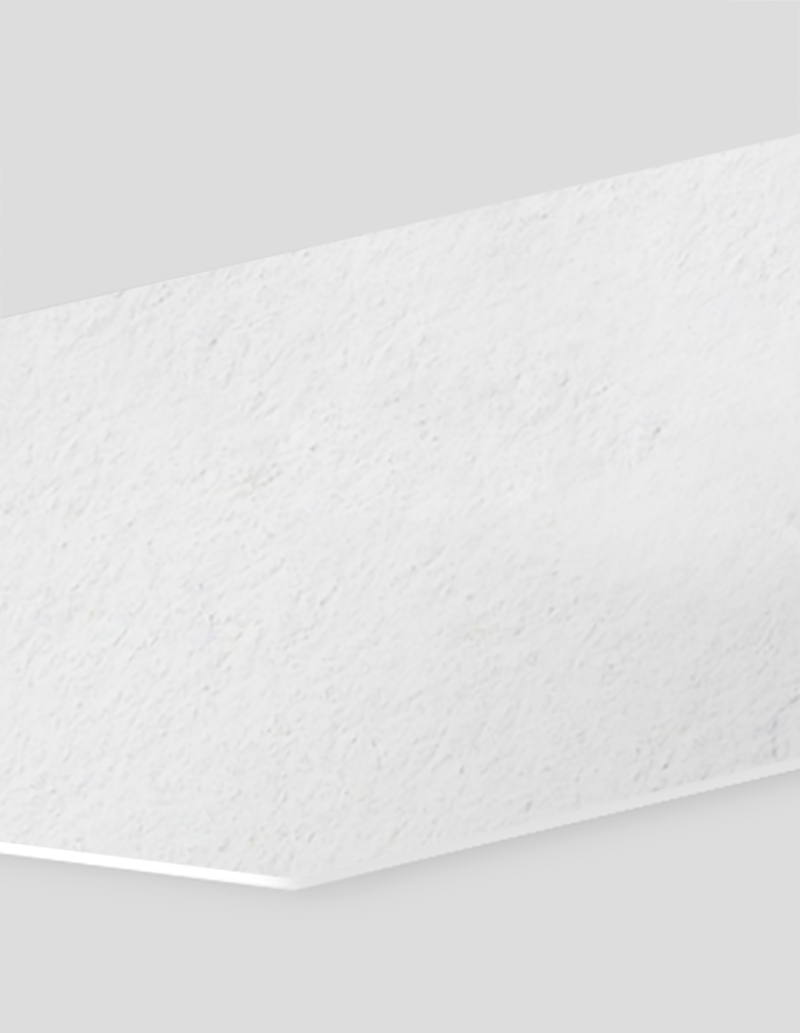
Matte Finish
Companies that are after a sophisticated finish can apply the subdued, elegant touch of matte.
Get Business Flyer Printing Services Today
How to Make a Flyer?
How to Make a Flyer
Follow these tips and create a business flyer design that will amplify your brand and target your specific audience:
- Get straight to the point. The discount or message you’re offering should be immediately seen on your business flyers.
- Make information easy to read. Don’t be afraid to use large font sizes. There should be a header to guide the reader.
- Use the right colors. Use neutral colors such as white, black, and gray for a minimalist, professional design. Complement these hues with bold shades such as teal or mint green. Brands with a fun and bright aesthetic can apply yellow hues and other bold tones like pink or orange.
- Keep things clean and simple. Avoid crowding the design with too much information and multiple images. Apply the three-element rule of only including a photo, header, and a colored object to maintain the reader’s focus.
- Choose an appropriate size. Use the standard 8.5” x 11” so it’s easy to handout and customers can easily read all the printed information. The smaller 4” x 6” or 5”x 7” sizes are easy to keep for them to refer to in the future.
.jpg)
Helpful Business Flyer Resources
Business Flyers Q&A
A catchy headline or a few words that will compel the recipient to read your flyer should be at the front and center of your flyer. Keep it short and informative enough to show how you’ll address a specific need.
A call to action such as availing of a discount, visiting your store, or following your social media pages should also be included in your flyer. Think about your goal and how the customer will fulfill this.
High resolution graphics or images that show your message. People aren’t going to read everything in one go. A compelling image or graphic quickly shows what you’re promoting.
You can upload a design or create it online. After inputting your product specifications on the online calculator, select “Upload Your File” if it’s ready, or click “Start Your Design Online” if you have yet to create the flyer.
You can choose to have your flyers printed today, the next business day, or in three business days depending on your timeline. Our printing turnaround indicates the number of days allotted to print your order. Note that this does not include weekends and holidays.
Shipping transit time is not included in the printing turnaround. To find out when you can receive your order, select “Get Delivery Estimate” at the bottom of the online calculator.
Our thickest material is the 16 pt. cardstock, while the 10 pt. and 14 pt. cardstocks are slightly thinner but still durable. The paper stock options are more lightweight and suitable for handing out in large quantities.
If you need to write information on your flyers, we suggest that you choose the uncoated option. You can also write on coated flyers using only permanent inks and markers.
No, the production time under “Ready to Ship In” only includes preparation of your business flyer for pick up or shipment.
For example, if you select “Ready Today”, you need to complete the order by 10 AM so it’ll be ready for pickup or shipment by 5:30 PM.
For “Next Business Day” or “Ready in 3 Business Days” orders, all orders need to be completed by the order day and then the flyers will be ready to ship on the last production date.
We offer shrink-wrapping, which is the process of bundling your flyers in heated plastic, to keep them the stacks of flyers tight and secure during transit. This helps separate them in packs of 25 and keep them from getting bent or scratched during delivery. Shrink-wrapping also helps keep your flyers in good condition while in storage.
Although we take great care in packaging and shipping every order, we also offer shrink-wrapping as additional protection for your business flyers.
Shrink wrapping seals a specific quantity in a layer of thin, transparent plastic that protects the flyers in transit. Your flyers are neatly stacked in bundles of 25 for faster counting and dispatching to different giveaway locations.
For a professional, sturdy feel, choose cardstock. We offer two premium thicknesses:
- 10 pt. Cardstock – Solid and substantial, similar to a magazine cover
- 14 pt. Cardstock – Our thickest option with enhanced durability, perfect for premium finishes
For a sleek, traditional paper feel with added weight, 100 lb. paper offers professional quality without the rigidity of cardstock.
Yes, printed colors often look darker or less vibrant than on screen. Here's why:
- Color mode difference – Screens use RGB (red, green, blue) while printers use CMYK (cyan, magenta, yellow, black). To preview colors more accurately, switch your design software to CMYK mode before finalizing your artwork.
- Finish selection – Your chosen finish affects color appearance:
- Gloss makes colors appear more vibrant and saturated
- Matte or uncoated creates softer, more muted tones
Pro tip: Design with your finish in mind. Use brighter colors for glossy flyers and choose deeper or cooler tones for matte finishes.
Yes! We offer professional scoring and folding services. Choose from three folding styles:
- Half-fold – Simple center fold
- Trifold – Three-panel design (C-fold)
- Z-fold – Accordion-style fold
How it works:
- Thinner paper stocks – We score and fold your flyers before shipping (ready to use)
- Thicker cardstock – We score the flyers and ship them flat for you to fold (prevents cracking)
Yes, folding requires a different design approach to ensure your flyer looks professional when folded. Follow these best practices:
- Use our free templates – Pre-set margins, fold lines, bleeds, and trim lines show you exactly where to place images and text
- Plan around fold lines – Avoid placing important text, images, or logos directly on folds where they may crack, misalign, or become difficult to read
- Design panel by panel – Think of each section between folds as its own "page" with a clear message or visual
Pro tip: Download the template for your chosen fold style (half-fold, trifold, or Z-fold) before you start designing to ensure proper alignment from the beginning.
Follow these guidelines to ensure professional print results:
- Set up bleed and safe zones – Extend backgrounds and images 1/8" beyond the trim line (bleed area) and keep all important text and logos at least 1/8" inside the trim line (safe zone) to prevent cropping
- Design for your fold type – If ordering folded flyers, keep critical text and images away from fold lines to avoid misalignment or cracking
- Use CMYK color mode – Design in CMYK rather than RGB for more accurate color representation in print
- Request a printed proof – Review a physical sample before full production to check colors, alignment, and overall layout accuracy
Pro tip: Print a test copy on your home printer first to catch obvious layout issues before ordering your proof