RSS

Cutting Edge Marketing: Using Custom DVDs and CDs

Thu, Nov 5, 2009

0 Comments

Creating a stand-out brand experience for your company is getting harder. The competition is worldwide and at the click of a mouse, potential customers can compare benefits, prices, and find out what kind of experience previous customers have had. Nowhere to run, nowhere to hide. This means it’s more important than ever to go that extra distance in your marketing. So, to create unique marketing tools to distribute to your clientele, here are some ideas for using custom CDs and DVDs.

Trade Shows

Consider promoting your product, service, or company and build brand awareness by distributing custom DVD/CD cases with covers and booklets that include your logo and contact information. You could also spread your message by including part of your mission statement or company philosophy.  

Presentations

If you do presentations on a regular basis as part of your business, consider developing your own personalized CDs, which could certainly give your presentation that professional, finishing touch. When you’re finished with your presentation, leave your potential clients a CD of information with a branded custom cover that will keep your name at the top of their mind.   

Graphic Designers

Create a CD or DVD highlighting some of your top designs – a portable digital gallery. Then create your CD or DVD covers with your logo and some amazing original artwork. Hand these out as a stand out extension of your business card. 

Photographers/Wedding Videos

Photo albums are great for showing your talent, but a CD/DVD can give you more flexibility in presentation and is easier, faster, and more cost effective in order to keep your content up to date. Photo CDs and wedding videos that you give to your clients and potential clients should all have inserts that include your contact information.  

Realtors

Sure, anyone can go online and search for houses that are for sale. Yet, what if you handed potential clients a DVD with house tours of houses that fit that buyers criteria? Or, create a custom DVD with house remodeling tips to give to new homeowners? 

Final Tips

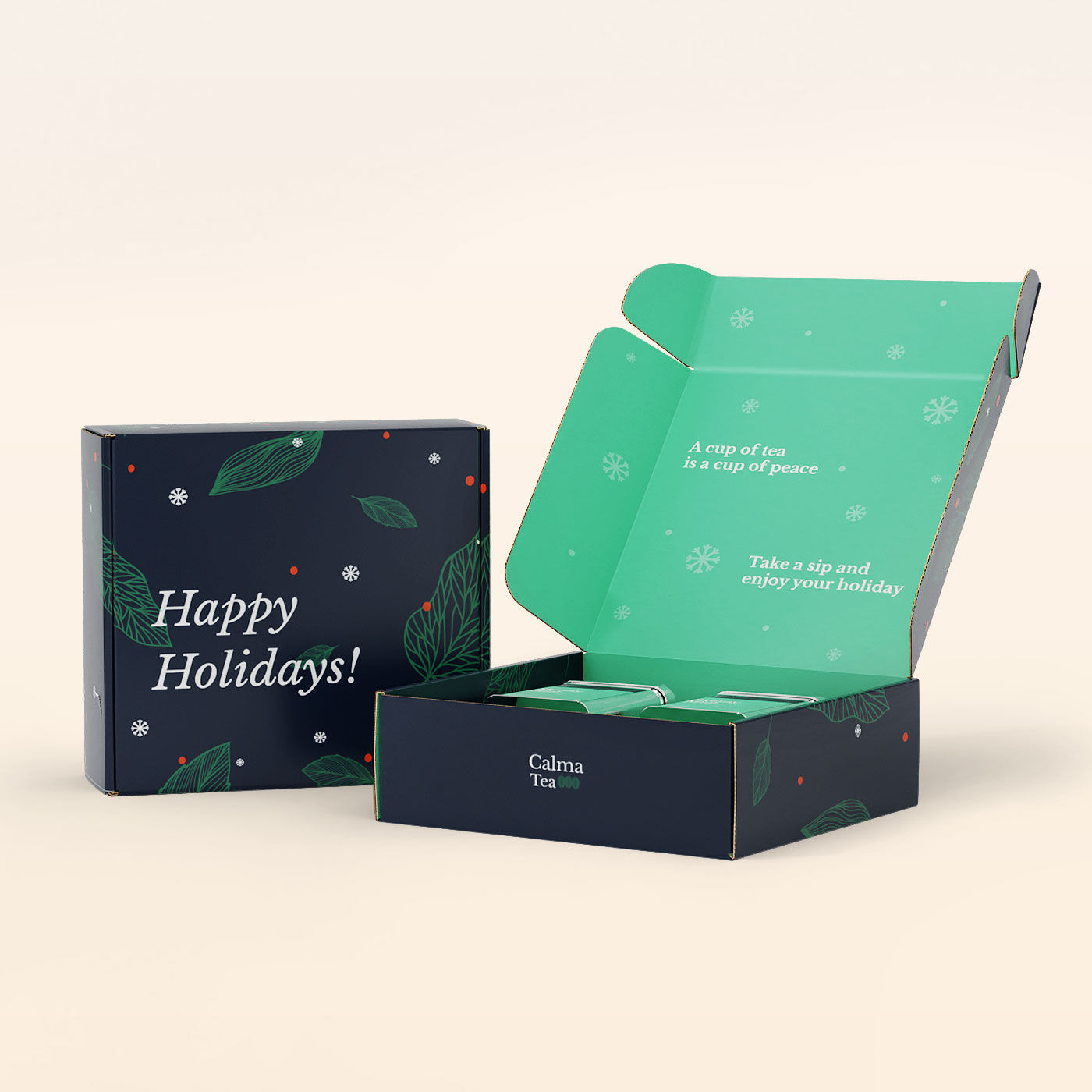
Custom CDs and DVDs are a great way to show customers and potential customers that you go that extra mile. This can help you stand out from the competition, in addition to building brand loyalty. DVDs and CDs could also be used in your seasonal marketing. For instance, offer your customers a free Holiday Music CD. CDs and DVDs offer a dynamic form of communicating information, displaying work samples, or providing a unique bonus to your customers. The possibilities are limited only by your imagination.

Looking to create custom DVDs and CDs? Check out our CD Insert and DVD Insert Printing services.

10 Cool Twitter Backgrounds for Under $2 Each

Thu, Nov 5, 2009

0 Comments

We are always searching for free or affordable resources for you, and here are 10 great Twitter backgrounds that all cost under $2 each. Check them out.

Free Printer Icon

Thu, Nov 5, 2009

0 Comments

NextDayFlyers.com, the leader in Online Promotional Printing has created a great free printer icon for your personal and commercial use. Feel free to use this printer icon on your websites, in print work, as a print article icon on your blogs and so on. The set may not be resold, sub-licensed, rented, transferred or otherwise made available for use on or offline. Please link back to our home page or this download page if you use our icon online.

If you need Professional Offset Printing Services be sure to check out NextDayFlyers.com for top-quality business cards, postcards, brochures, greeting cards and more!

Download the Free Printer Icon

The .png file format icon comes in a variety of sizes: 16×16, 32×32, 64×64, 128z128, 256×256 and 450×450. Click Here to Download

27 Modern Business Cards

Mon, Nov 2, 2009

0 Comments

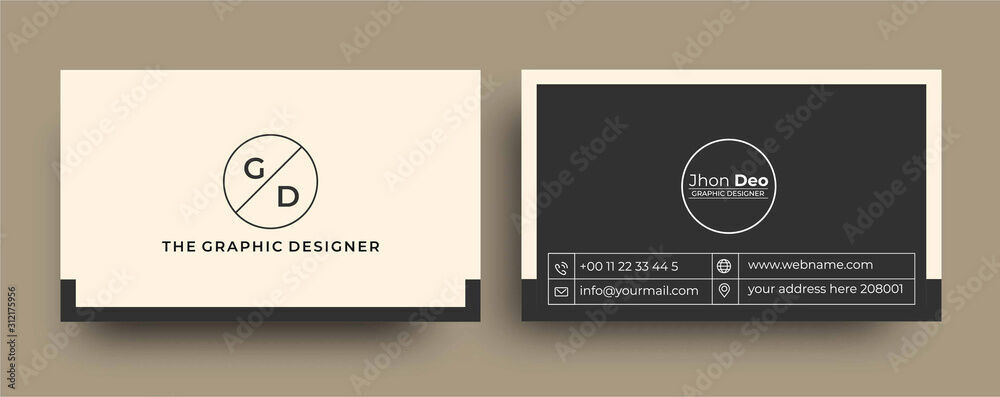
When it comes to business cards, modern business cards are always in style. They project a cool, organized and professional feeling for your business or service and can leave a great first impression if designed and printed right. Below is a collection of some truly amazing modern business card designs from various designers showcased on CardObserver a gallery of business cards.

This modern business card inspiration post will help figure out the exact design style you are looking for, so you can create and then Print Your Business Cards. NextDayFlyers.com offers exceptional business card printing services and our top-notch printing facility is perfectly suited for printing the perfect modern cards.

Modern Business Card Design Inspiration

Web Page Marketing: Getting Familiar with SEO and SEM Basics

Thu, Oct 29, 2009

5 Comments

Are you confused about SEO and SEM? There’s a lot to learn and even the terminology can be confusing. Here, we present the basics in terminology and process to help get you started. Often people will find your website by doing a search on a search engine – such as Google or Firefox.

No doubt you’ve done searches yourself by typing a word or words onto the search page and then looking at all those thousands of results. Because there are so many web pages on the Internet the goal is to get your site positioned toward the top of the search results list. So, how do you do this? With SEO and SEM.

SEO Defined

SEO stands for Search Engine Optimization – basically the process of improving your website so it’s “friendly” to search engines like Google and Firefox. Ways to improve your SEO includes the flow of your website, your keywords and content, meta-tags,1 as well as a host of other tactics.

SEM Defined

Search engine marketing – SEM – is a way of marketing your website through “paid placement” tools such as Pay-per-click (PPC - you pay when someone clicks on your ad) and

“contextual advertising”2 (the search engine shows advertisements that are related to the keywords used in the search).3

1. SEO and SEM Begin with Keywords

The idea is to utilize specific words and phrases that your potential customers would use to find your business or product. Treat each of your website pages as individuals, when it comes to keywords and phrases. Once you’ve selected a few relevant phrases, then you should develop your well written content around those.1 Here’s a google keyword tool you can use to find keyword ideas.

2. SEO - Html Meta Tags

Html Meta tags include the title tag, description and keywords tags. Your title tag should include one or two of your most relevant keywords or phrases. Your keywords meta tag should list the words or phrases that “best describe the contents of the page. The description meta tag includes a brief one- or two-sentence description of the page.”1

3. Pay Per Click Basics

Once you’ve developed your keywords into content and put in your meta tags, you can begin with an SEM pay per click account, if it’s in your budget to do so. SEM accounts are organized into three tiers: account, campaign, and ad group. Each campaign has its own budget and   each ad group contains a set of ads that relate to your chosen keywords.

4. SEM and Your Landing Pages

When you write each PPC ad you will want to send the customer who clicks on it to the landing page with the information or product mentioned. Choose the page of your website that is most relevant to the product or service described in this ad. Your ad content should always reflect the landing page and should be relevant to your keywords.

5. Targeted Ad Copy

Write your ads to describe the product or service you’re advertising.  Ensure your ad headlines relate to the keywords being searched. For instance, if you’re working with the phrase 4×6 postcards, and other related terms, you will create a postcard campaign, write ads about 4×6 postcards, and decide how much money you can put into that campaign. In general, the more specific (tighter) your ad groups are, the more success you will have. Making them tighter means you want as few keywords as possible in each ad group so everything can be highly targeted. Try and have no more than 10 keywords per ad group. Over time you will see that some ads give you better results. Pause the poor performing ads and shift more of your budget to the better performing ones.

Final Remarks

SEO and SEM are closely interrelated. When you use both, and are consistent with keywords across all your marketing methods, you will get better results which includes higher conversion rates. SEO and SEM can seem daunting when you’re starting out but there is a lot of great information available to help.

Link:Quick SEO/SEM Glossary5,6

Resources

  1. What is Search Engine Optimization?
  2. Search engine marketing, From Wikipedia, the free encyclopedia
  3. Wikipedia: Contextual advertising
  4. SearchSOA.com Definitions
  5. Pay Per Click Universe: Glossary
  6. PPC Glossary

Co-wrote with Chloe Nguyen

Video: Edit a Business Card Design in Less than 5 Minutes

Thu, Oct 29, 2009

0 Comments

Not too long ago we did a post of 20 Awesome Business Card Designs, All Between $1 to $4 Each, where we provided you links to 20 cool designs all under $4. Check it out, if you didn’t see it. In this video you will learn how easy it is to edit one of those business card designs, upload it to the Next Day Flyers’ site, and then see how the finished product will look.

View video in HD wide screen

Twitter News: Twitter, Microsoft and Google Walk into a Bar…

Thu, Oct 29, 2009

0 Comments

So, Twitter, Microsoft, and Google, walk into a bar together. Then Google says, “Hey, Twitter, how about you let me use your data for my search engines?” And Microsoft says, “Yeah, great idea. How about it?” Twitter smiles and says, “Yes. Let’s do it.”

All joking aside, according to the Increase Visibility blog, Twitter did make an agreement allowing Google and Microsoft to access the Twitter database. What does this mean for you? Good news if you use Twitter and your tweets are public because your tweets can now start showing up on search engine results when people search for a related topic. This could give you a nice SEO boost. However, if you have your Twitter settings on private all that information will remain private – good if you want it that way, not so good if you could use the SEO help.

Resource

  1. http://increasevisibility.com/blog/

Holiday Email Marketing – HoHoWhat? Already?

Thu, Oct 22, 2009

0 Comments

Last year we did some holiday marketing articles for those who tend to procrastinate, such as Last Minute Marketing (well, hey, we are Nextdayflyers after all). No doubt, for the last minute planners in the group, we’ll do some similar marketing tips this year, as well. However, for those who like to prepare ahead of time, here it is, the first of the 2009 Holiday Marketing Articles to get your seasonal campaign lights up, running and burning bright.

More Emails are not Better1

You’ve probably received them from certain retailers every holiday season – an avalanche of emails that speed towards you with an increasing frequency, offering more and greater discounts. Resist the temptation and don’t do this! It’s not effective and it clutters inboxes, which can lead to customers clicking that unsubscribe button. Besides, when you offer ever increasing discounts it tends to “cheapen” your brand in the customer’s mind. 

Know What You Want to Offer When

Decide which products or services you want to offer and when you’re going to market those. Consider getting your strong offers out early before customer budgets are depleted.2

Try Something New

Don’t burn out your customers with the same message year after year – offer them something new – new message, new graphics, fresh angle. You might want to consider offering specials for the early shopper that are entirely different from the later shoppers. 

Use Emails to Promote a Special that is Unique to You

Don’t run with the mob. Put your creative brains together and come up with a holiday offer that is special to your product or service. As an example, last year Rothman’s, a clothing store, created their version of “cash for clunkers.” Customers could turn in their old suit and get $100 toward a new suite.1 What can you do that is great for your niche?

Holiday Email Tuning Tips

Ed Henrich from ClickZ3 provides some successful suggestions that were used on previous holidays:

  • If you don’t know what your customers want – ask
  • Create messaging that is unique to those preferences
  • Ask customers to vote on the holiday catalog cover (or test concepts without asking them).
  • Create campaigns with gift suggestions by gender, age, and budget.
  • Push for gift-card redemption - target gift-card recipients with "Get what you really wanted?" messaging in January
  • Offer more purchasing options (faster shipping, store locator)
  • 12 deals of Christmas messaging

Send a Holiday E-card

Don’t forget to send customers a holiday e-card wishing good cheer or whatever message is right for your market segment – without trying to sell them anything.

For Creative Inspiration

To get your creative juices flowing, here’s a great link to an article that has an awesome list of some past holiday emails ranging from the most basic to technically complex: Holiday Email Planning and Ideas.

HoHoHo and Happy Holiday Planning!

Stay tuned…we’re going to have some great new seasonal die-cut products this year.

For your company Holiday Card needs, check out our Corporate Holiday and Greeting Cards

Resources

  1. Trust Me: Give customers the gift of respect… and don’t forget your neighbors
  2. A Holiday Email Marketing Strategy in 5 Steps
  3. Tune Up Your Holiday E-mail Planning Now

What Else is Google Up To? Just Put Your Lips Together and…Hum

Thu, Oct 22, 2009

2 Comments

According to TechCrunch.com, Google is just about to launch a music service in the United States (they have one in China but supposedly this one will be quite different.) Rumor has it, the announcement date for this service will be Oct. 281 and Google is partnering with iLike and Lala for this venture. The Music Google, Google Audio, Hum a Little Google, or whatever it will be called, will be integrated into Google search and allow users to stream songs; it will mostly likely give the opportunity to purchase songs, too.

Between Sidewiki and Google-We-Don’t-Know-the-Name-Yet-Music Service, I wonder what will be next with Google.  Are they branching out too much? Will they succeed with world web domination or crash and burn? What’s your guess?

Resources:

  1. Google to Partner with iLike and Lala for New Music Service

Google Sidewiki: If You Have a Web Site Read This

Fri, Oct 16, 2009

20 Comments

A new tool from Google just made controlling your brand online a little bit more challenging. Released on September 23,1 this toolbar-based plug-in allows you to add your own notes to any Web page – yours – mine – and anyone elses. In other words, “every page on your site now comes with a publicly accessible discussion board that cannot be moderated.”

I just tried it out for the first time and it’s simple to use. Basically, once you’ve added the plug-in, you go to a webpage and click on the Sidewiki icon; a sidebar will pop up alongside the webpage and you’ll see all the comments people have made. This means, every webpage is now social. So, even if you’ve been resisting the social marketing revolution, you’re in it now anyway. The question is – is that good or bad? Well, you’ll have to decide for yourself…

Is Google Sidewiki good or bad?

1. Sidewiki and Brand Management

From what I can tell the important thing right now is to be aware of this little gadget as far as managing your brand’s reputation. Of course, if you’re great and you always get glowing comments then this could work to your benefit. At the very least you could add this plug-in to your repertoire and keep track of what people are saying on your pages. The good news is that very few consumers are aware of this, so most pages have no comments yet – you can keep track from the ground up. Supposedly, Google has built in some controls – an algorithm that “determines which comments are more relevant and move them to the top of the sidebar.”1 “Sidewiki — and other social networking platforms and, indeed, social media in general — makes it clear that brands are now collaborations.”1

2. Sidewiki and SEO

It doesn’t seem that Sidewiki is likely to affect the rankings of the page that it’s associated with,3 however “Individual Google Sidewiki comment ‘pages’ can gain search engine rankings of their very own.”1 Holy Tamale, Batman! This means that it is possible for a sidewiki page attached to your homepage to eventually outrank your home page.

3. Sidewiki Social Features

You can vote on a comments usefulness and conversely, report abuse such as spam.1 The official Google learn more page suggests using Sidewiki for things such as “Helpful tips,” “Background Information,” and “Added perspective on new technology.” At its best I can see how this could be incredibly helpful – reviews and Wikipedia-like information right alongside the page. So, Google’s “help and learn from others”4 sounds good on “paper” but like many things Web-wise, the potential for abuse exists.

Take a look at it, try it out and let us know what you think – and please post useful resources as this is new to all of us.

Resources

  1. What Google’s Sidewiki Means to Marketers
  2. Google sidewiki
  3. Google Sidewiki and SEO — Relevant to Each Other?
  4. Help and Learn from others as you Browse the Web
Older Entries